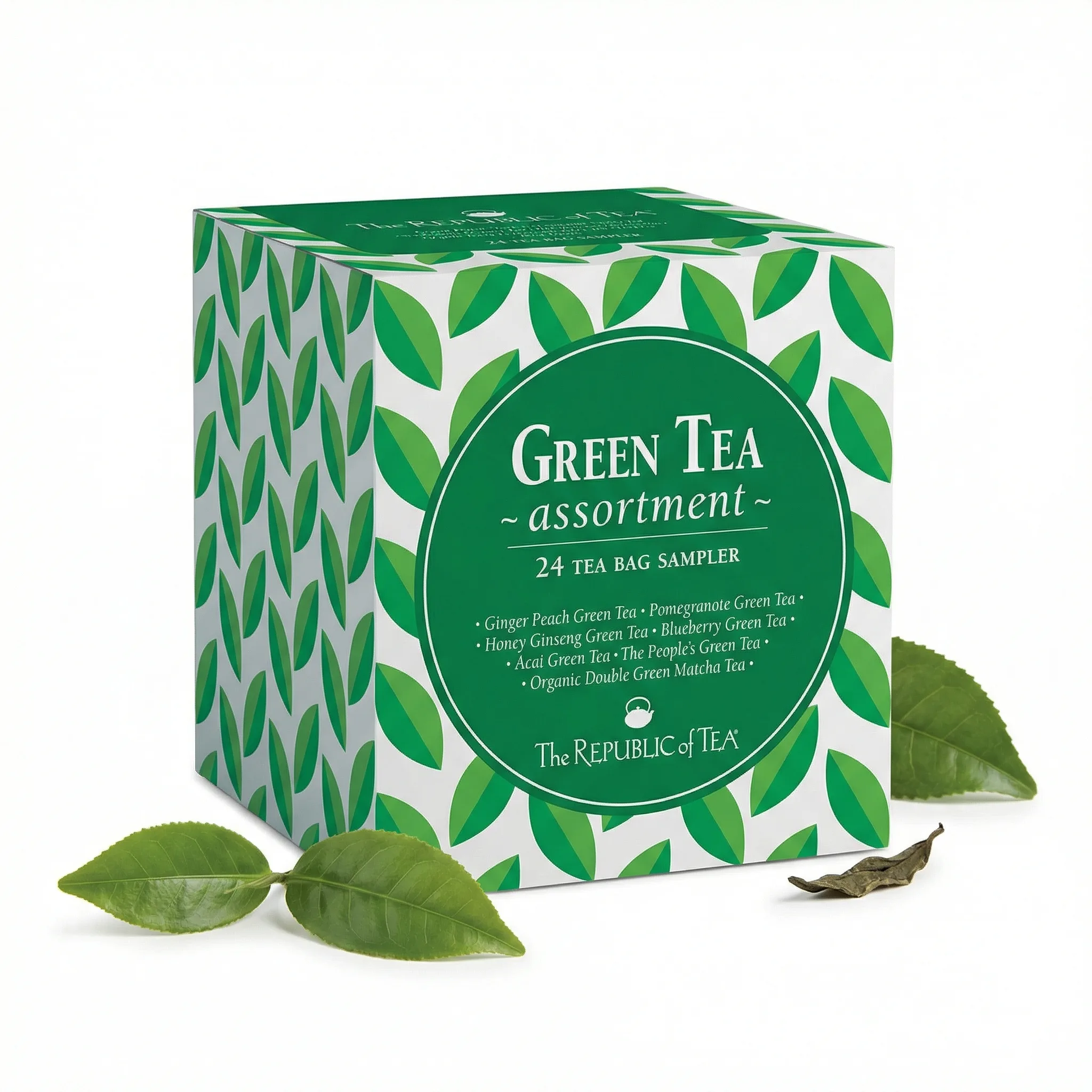
Food and grocery is one of Amazon's largest categories — and one where packaging photography and lifestyle context both drive conversion. Buyers are purchasing something they'll consume, which means they need to trust the product quality before they can't see it. This guide covers the food product photography strategy that converts.
Updated: April 2026
What Food Product Photography Needs to Do
Food product photography on Amazon serves a different function than most categories. Buyers aren't just evaluating what the product looks like — they're evaluating what it tastes like, how it fits into their routine, and whether they can trust its quality. Images have to communicate all three.
The Problem
GreenOnion.ai Amazon product image generator - generate professional images from one photo, no photoshoot needed.
Most food sellers on Amazon show packaging on white. That's compliant but incomplete. Buyers seeing only a bag or box can't evaluate the product inside — its texture, color, freshness, or serving context. Listing images that don't show the food itself leave buyers guessing.
Who This Is For
Amazon food and grocery sellers who want to improve conversion rates. New food brands launching their first Amazon listings.
What Every Food Listing Needs
Main image: Packaging on pure white. The package design does the initial selling — clear, high-resolution, front-facing.
Product reveal: The food out of packaging — the actual texture, color, and form. For granola: the grain and cluster texture. For a sauce: the poured consistency. This is often the highest-converting secondary image.
Serving shot: The product prepared or served in context. Shows the buyer exactly what they'll experience.
Ingredient callout: Key ingredients visually represented. For health-positioned foods: whole food ingredients shown alongside the finished product.
Lifestyle context: The product as part of a daily routine — morning smoothie, meal prep, snack moment.
Size/quantity reference: How much product is in the package? How many servings? Visual quantity confirmation reduces purchase hesitation.
GreenOnion tip: Tools like GreenOnion generate compliant white-background and lifestyle shots from a single product photo — no studio or photographer needed.
FAQ
Can I show food prepared differently than the package instructions suggest? Serving suggestions are generally acceptable as long as they're labeled as such and don't misrepresent the product.
Should food main images show the package or the food itself? Package for main image (compliance). Food itself in secondary images — this is usually the highest-converting image in food listings.
Do food listing images need to show nutritional information? No — nutrition information belongs in the product description and A+ Content, not in listing images. Images should focus on the food's appeal and context.
Get compliant Amazon listing images in minutes
Upload one product photo — GreenOnion generates white-background main images and lifestyle shots that meet Amazon's requirements.
Generate Amazon images freeRelated Articles
Amazon Listing Images: What Every Seller Must Know (2026)
Complete guide to Amazon listing images — requirements, image types, best practices, and how AI generates a compliant 9-image set.
Amazon ListingLifestyle Product Photography for Amazon Listings (2026)
How to create lifestyle product photography for Amazon secondary images — scene selection, styling, and how AI generates lifestyle shots from one product photo.
Amazon ListingCandle Product Photography for Amazon: Studio vs AI (2026)
How to photograph candles for Amazon listings — white background compliance, lifestyle scenes for secondary images, and how AI handles the unique challenges of candle photography.