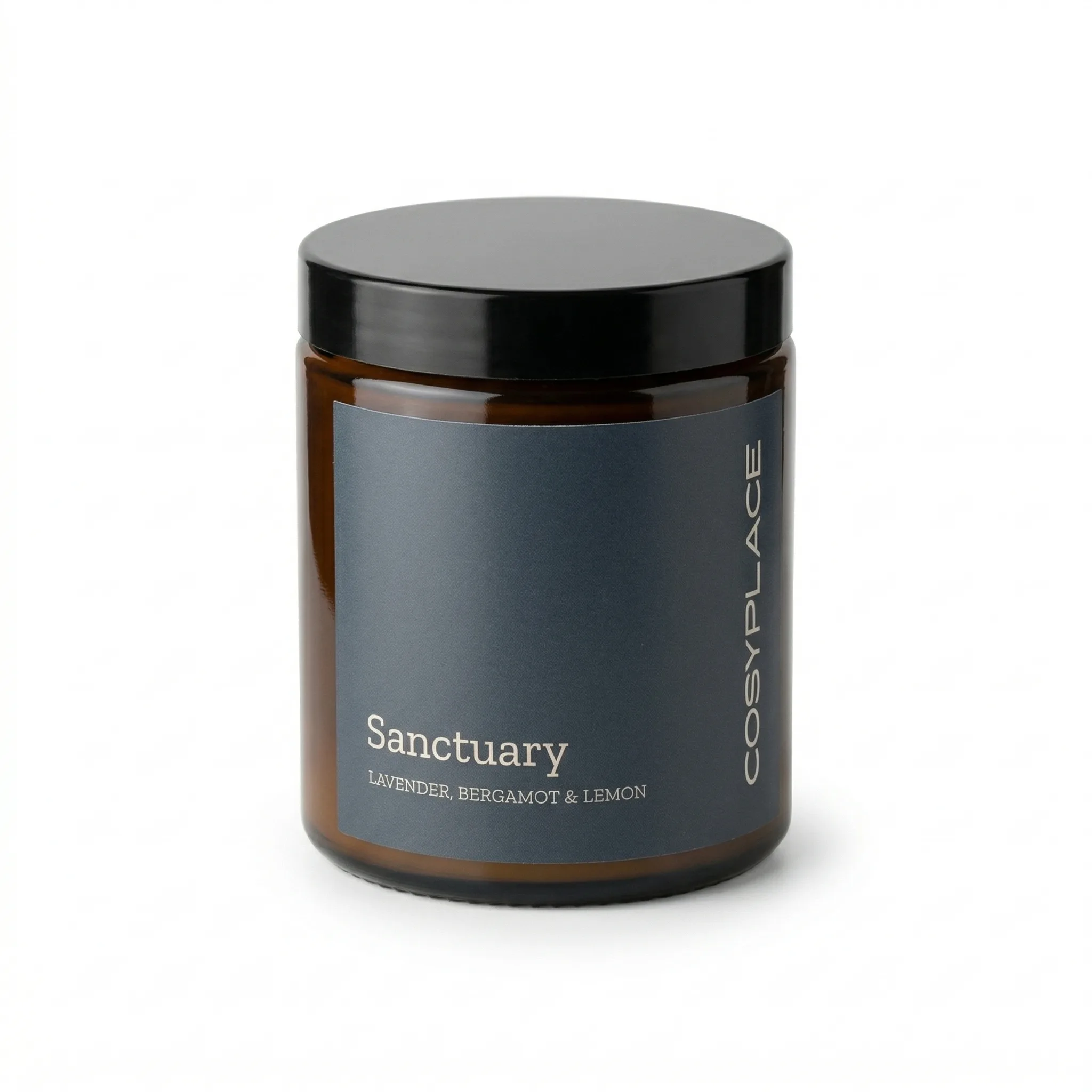
Candles present unique photography challenges: glass vessels that create reflections, wax surfaces that read differently in different lighting, and flames that require long exposures to capture correctly.
Updated: April 2026
What Makes Candle Photography Hard?
Three properties make candles technically difficult to photograph: the glass container reflects surrounding objects and light sources, the wax surface can appear yellow or amber under warm light, and lit flames require specific exposure settings that blow out surrounding detail.
The Problem
GreenOnion.ai Amazon product image generator - generate professional images from one photo, no photoshoot needed.
Candle sellers frequently face white background compliance issues because glass containers pick up reflections from everything in the room. The "white" background behind the glass reads as a different color than the actual white background.
Who This Is For
Amazon candle sellers experiencing compliance issues with main images. New candle brands setting up their first Amazon listings.
Main Image: Achieving White Background Compliance for Glass
Light positioning: Move lights to 45 degrees and slightly behind the product. This reduces front-facing reflections in the glass.
Flags and diffusion: Use black flags to block unwanted reflections from appearing in glass. White diffusion material softens light to reduce hotspots.
Editing: Glass candle vessels almost always require background cleanup — removing reflections from the white background area visible through the glass.
AI alternative: AI-generated candle images handle glass reflections computationally, producing clean white background main images without the setup complexity.
Secondary Images: Lifestyle for Conversion
Candles are aspirational products — buyers are purchasing ambiance. Secondary images should show the candle in scenes that communicate the feeling it creates: evening living room, bathroom relaxation, bedroom atmosphere. The lifestyle images sell the experience.
Candle Photography Image Set
| Image | Content | Technical Challenge |
|---|---|---|
| Main | White background, unlit | Glass reflections |
| Detail | Label close-up, wax texture | Macro focus |
| Lifestyle 1 | Room scene, lit candle | Flame exposure |
| Lifestyle 2 | Gifting context | Styling |
| Scent story | Ingredient or botanical props | Composition |
GreenOnion tip: Tools like GreenOnion generate compliant white-background and lifestyle shots from a single product photo — no studio or photographer needed.
FAQ
Should Amazon candle main images show the candle lit or unlit? Unlit for compliance — a lit flame makes it harder to achieve the pure white background requirement. Lifestyle secondary images can and should show the candle lit.
How do I photograph a candle flame without overexposing it? Use a lower ISO and faster shutter speed than you think you need. Expose for the flame, not the room. The room will be darker, which often looks more atmospheric for candle lifestyle shots.
Can I include scent descriptions on my candle listing images? Yes, in secondary image slots. Text overlays with scent notes on lifestyle images are effective for candle category conversion.
Get compliant Amazon listing images in minutes
Upload one product photo — GreenOnion generates white-background main images and lifestyle shots that meet Amazon's requirements.
Generate Amazon images freeRelated Articles
Amazon Listing Images: What Every Seller Must Know (2026)
Complete guide to Amazon listing images — requirements, image types, best practices, and how AI generates a compliant 9-image set.
Amazon ListingLifestyle Product Photography for Amazon Listings (2026)
How to create lifestyle product photography for Amazon secondary images — scene selection, styling, and how AI generates lifestyle shots from one product photo.
Amazon ListingWhite Background Product Photography for Amazon: The Complete Guide (2026)
How to achieve true white background product photography for Amazon main images — setup, lighting, editing, and why AI eliminates the technical challenge.