Amazon gives sellers 9 image slots per listing. Most sellers use 4–5 and wonder why their conversion rate is below category average. This guide covers what Amazon actually requires, what each image slot should do, and how to fill all 9 without a photographer.
Updated: April 2026
What Are Amazon Listing Images?
Amazon listing images are the photos that appear on your product detail page — the main thumbnail buyers see in search results, plus up to 8 secondary images visible when they click through. Together, these 9 images are your only opportunity to show buyers what they're purchasing before they decide to add to cart.
The Problem
GreenOnion.ai Amazon product image generator - generate professional images from one photo, no photoshoot needed.
Most sellers underuse their image slots. A listing with 4 images forces buyers to make a purchase decision with incomplete visual information. Buyers with unanswered questions don't convert — they keep scrolling.
Who This Is For
New Amazon sellers setting up their first listings. Existing sellers with low conversion rates whose image sets may be the bottleneck.
How the 9 Slots Work
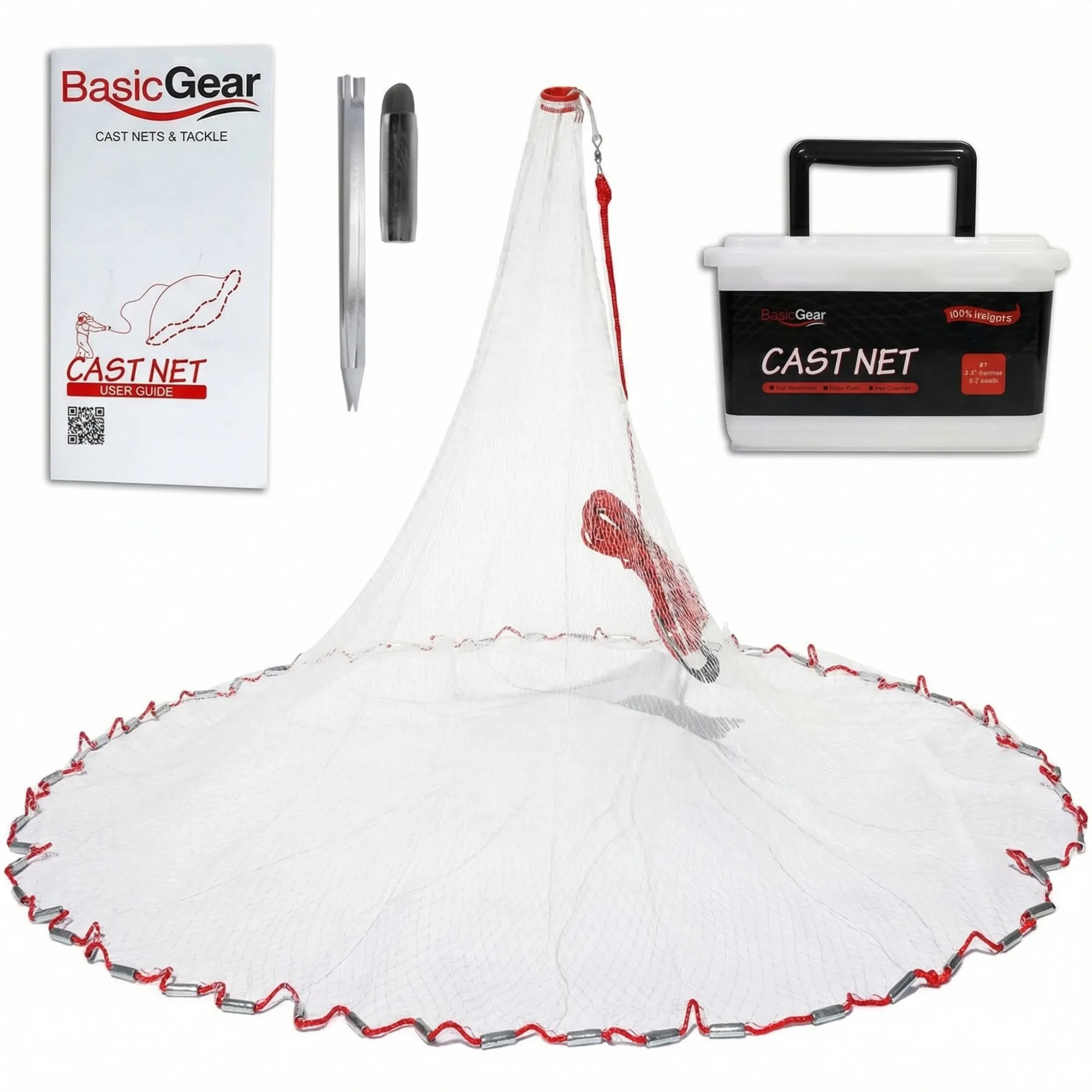
Image 1 — Main image: Pure white background, product only, 85%+ frame fill. This is your search thumbnail. Non-negotiable compliance requirements.
Images 2–3 — Feature callouts: Close-up detail shots with labels showing key selling points. Blade sharpness, material quality, unique mechanisms.
Images 4–5 — Lifestyle: Product in use, in context. Answers "what does this look like in real life?"
Images 6–7 — Scale and specs: Size reference, dimension infographic, quantity or supply duration.
Image 8 — Comparison: Your product vs the generic alternative. Shows why yours is worth the price.
Image 9 — Brand story: Packaging, quality guarantee, brand identity closer.
GreenOnion generates all 9 slots from one product photo, with each image serving its appropriate function.
Image Requirements at a Glance
| Requirement | Main Image | Secondary Images |
|---|---|---|
| Background | Pure white (255,255,255) | Flexible |
| Product fill | 85%+ | Flexible |
| Models | Not allowed | Allowed |
| Text overlays | Not allowed | Allowed |
| Props | Not allowed | Allowed |
FAQ
What happens if I don't fill all 9 image slots? Nothing enforced by Amazon — but listings with 7–9 images consistently outperform those with fewer. Each empty slot is a missed opportunity to answer a buyer question.
Can I use infographics in Amazon listing images? Yes, in secondary image slots (2–9). Text overlays, comparison charts, and feature callouts are all permitted. Main image must be product-only on white.
How often should I update my listing images? When your conversion rate drops significantly, when a competitor launches with better images, or when you add a product variant. Images are not set-and-forget.
Get compliant Amazon listing images in minutes
Upload one product photo — GreenOnion generates white-background main images and lifestyle shots that meet Amazon's requirements.
Generate Amazon images freeRelated Articles
Product Photo Editing for Amazon: Fix Your Listings Fast (2026)
Learn how to edit product photos for Amazon listings — white background correction, shadow removal, and how AI eliminates editing entirely.
Amazon A+How to Create A+ Content That Actually Sells (2026)
Learn how to create Amazon A+ Content that drives conversions — the 6-module structure, what each module must do, and common mistakes to avoid.
AmazonAmazon Product Photography: A Conversion Funnel Breakdown
75-83% of Amazon shoppers decide based on product images alone. This breakdown maps where images sit in the conversion funnel and how they compare to price, reviews, and A+ Content.