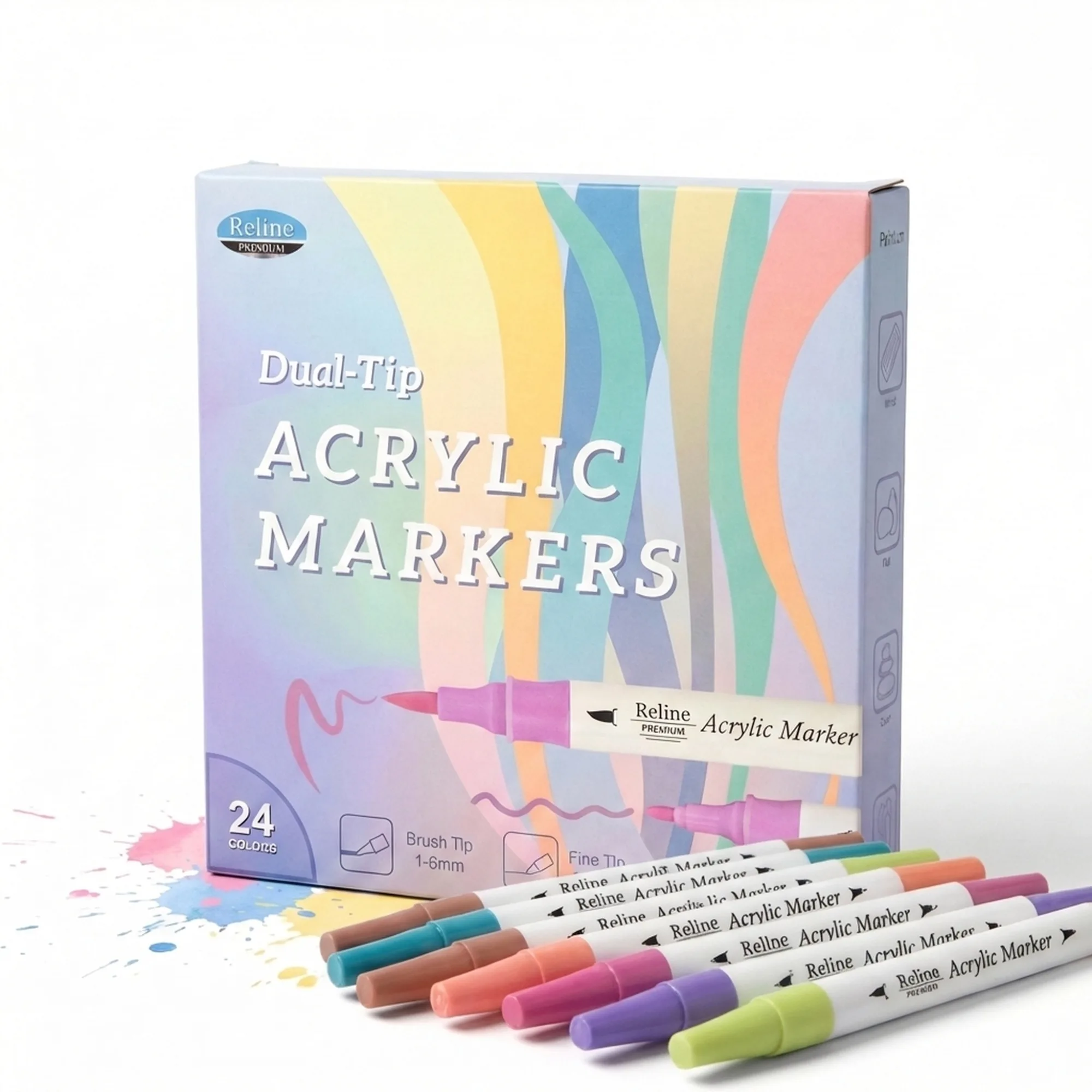
Amazon product photos need to meet strict compliance requirements before they go live. Most DIY photos fail on two counts: the background isn't truly white, and the product doesn't fill enough of the frame. This guide covers how to fix both — and how AI eliminates the editing step entirely.
Updated: April 2026
What Is Amazon Product Photo Editing?
Amazon photo editing is the post-processing step between taking a product photo and uploading it to Seller Central. It includes background removal, white balance correction, brightness adjustment, shadow removal, and cropping to ensure the product fills 85%+ of the frame.
The Problem
GreenOnion.ai Amazon product image generator - generate professional images from one photo, no photoshoot needed.
Amazon requires pure white — RGB 255,255,255 — on main images. Most DIY setups produce off-white: cream under warm light, gray under cool light, blue under fluorescent. Sellers upload images they think are white, get compliance warnings, and spend hours re-editing.
Who This Is For
Amazon sellers doing DIY photography who keep getting white background rejections. Sellers whose images look fine on screen but fail Amazon's compliance check on upload.
How It Works
Step 1 — Start with the best input photo possible. Even with editing, a blurry or poorly lit photo can't be fully rescued. Shoot in diffused natural light or with two equal light sources on either side.
Step 2 — Remove the background. Tools like Adobe Photoshop, Remove.bg, or Canva Pro isolate the product from any background. Export as PNG with transparency.
Step 3 — Place on true white. Create a 2000×2000px white canvas (RGB 255,255,255). Place your product, centered, filling 85%+ of the frame.
Step 4 — Check shadows. Any shadow touching the white background creates a gradient that fails compliance. Clone stamp or content-aware fill to remove.
Step 5 — Export correctly. JPEG, sRGB colorspace, minimum 1000px longest side, 2000px recommended.
Alternatively: GreenOnion generates white-background Amazon main images directly from your product photo — no editing steps required.
Editing vs AI Generation
| Manual Editing | AI Generation | |
|---|---|---|
| Time per image | 20–45 minutes | Under 5 minutes |
| White background accuracy | Variable | Optimized for compliance |
| Skill required | Moderate | None |
| Consistency across SKUs | Hard | Automatic |
FAQ
Why does my white background look gray on Amazon? Your camera's white balance is reading the ambient light temperature. Correct in editing by pushing the whites slider until background reads RGB 255,255,255.
Can I edit Amazon photos on my phone? Yes. Snapseed and Adobe Lightroom Mobile both allow white balance correction and background work. For full background removal, desktop tools give better results.
Does Amazon check the exact RGB value of backgrounds? Amazon's compliance system checks that backgrounds are pure white. Slight off-white may pass initially but can trigger review. Aim for true 255,255,255 to be safe.
Get compliant Amazon listing images in minutes
Upload one product photo — GreenOnion generates white-background main images and lifestyle shots that meet Amazon's requirements.
Generate Amazon images freeRelated Articles
Amazon Listing Images: What Every Seller Must Know (2026)
Complete guide to Amazon listing images — requirements, image types, best practices, and how AI generates a compliant 9-image set.
Amazon ListingDoes Amazon Listing Optimization Start With Your Images? (2026)
Amazon listing optimization covers keywords, copy, and pricing — but images drive conversion more than any other element. Here's why to start there.
AmazonAmazon Product Photography: A Conversion Funnel Breakdown
75-83% of Amazon shoppers decide based on product images alone. This breakdown maps where images sit in the conversion funnel and how they compare to price, reviews, and A+ Content.