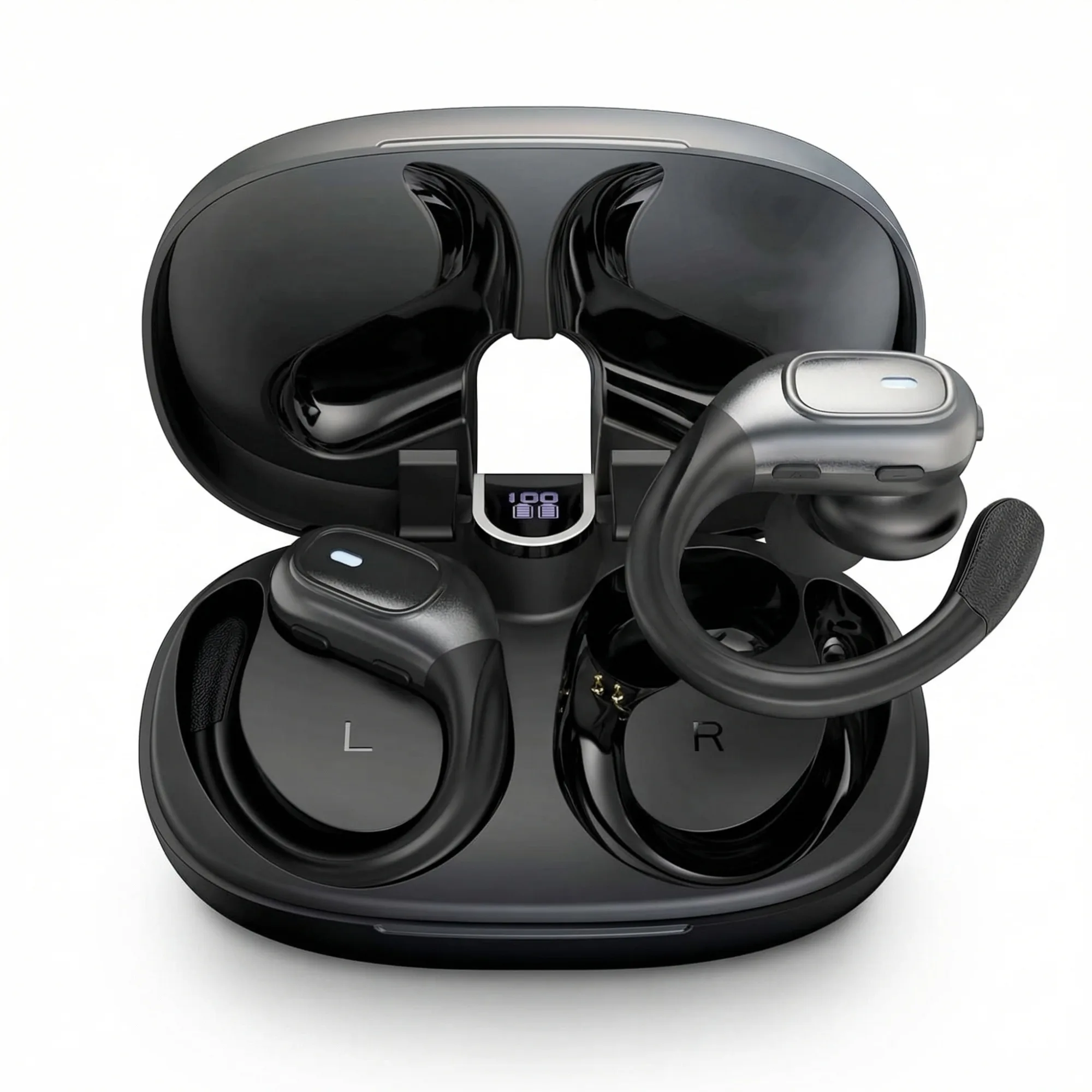
Amazon's main image must be on white. But images 2–9 can be anything — and lifestyle photography in secondary slots is one of the highest-converting image types available to Amazon sellers. This guide covers how to create lifestyle shots that answer buyer questions and drive conversions.
Updated: April 2026
What Is Lifestyle Product Photography?
Lifestyle product photography shows a product being used in a real-world context — a person using it, a scene where it belongs, a moment it enables. Unlike white background shots that isolate the product, lifestyle images place it in the buyer's world.
The Problem
GreenOnion.ai Amazon product image generator - generate professional images from one photo, no photoshoot needed.
Sellers fill their 9 image slots with variations of the same white background shot and wonder why buyers can't visualize the product in their lives. Lifestyle images solve the visualization problem — but they require locations, props, models, and time that most sellers don't have.
Who This Is For
Amazon sellers who have strong main images but weak secondary images. Sellers whose conversion rates suggest buyers are leaving without enough visual context.
What Lifestyle Images Do for Conversion
Each lifestyle image answers a specific buyer question:
Scale question: Show the product held in a hand, placed next to a known object, or used in context. Buyers consistently misjudge product size without this.
Use case question: Show the product being used the way a buyer would actually use it. For pruning shears: hands mid-cut through a thick branch. For a supplement: the daily ritual of adding it to a routine.
Occasion question: Show which moments this product belongs to — morning routine, outdoor activity, gifting moment, professional context.
Aspiration question: Show who the buyer becomes when they own this product. The lifestyle shot that answers this drives the emotional component of the purchase decision.
How to Generate Lifestyle Images Without a Shoot
AI product photography generates lifestyle scenes from a single product photo. The AI selects the appropriate scene based on product category — garden setting for tools, wellness context for supplements, coastal lifestyle for jewelry. No location, no props, no model required.
Lifestyle Image Checklist
| Image Type | What It Shows | Slot |
|---|---|---|
| In-use action | Product being used actively | 4–5 |
| Scale reference | Product with human hand or known object | 5–6 |
| Occasion context | Product in its natural environment | 6–7 |
| Emotional close | Person + product, aspirational moment | 7–8 |
GreenOnion tip: Tools like GreenOnion generate compliant white-background and lifestyle shots from a single product photo — no studio or photographer needed.
FAQ
Are lifestyle images allowed on Amazon main images? No. Main images must show product only on pure white background. Lifestyle images belong in secondary slots 2–9.
Do lifestyle images need to show people? Not always. A product in an environment — pruning shears on a garden bench, a supplement beside a morning smoothie — communicates lifestyle context without requiring a model.
How many lifestyle images should I include? At least 3–4 of your 9 slots should be lifestyle or contextual images. The remaining slots can be feature callouts, specs, and white background detail shots.
Get compliant Amazon listing images in minutes
Upload one product photo — GreenOnion generates white-background main images and lifestyle shots that meet Amazon's requirements.
Generate Amazon images freeRelated Articles
Amazon Listing Images: What Every Seller Must Know (2026)
Complete guide to Amazon listing images — requirements, image types, best practices, and how AI generates a compliant 9-image set.
Amazon ListingHow to Take Product Photos for Amazon Step by Step (2026)
Step-by-step guide to taking product photos for Amazon listings — setup, lighting, shooting, and how AI generates compliant images without any equipment.
Amazon ListingProduct Listing Photography That Converts on Amazon (2026)
What product listing photography actually drives Amazon conversions — image types, buyer psychology, and the 9-image strategy that top sellers use.