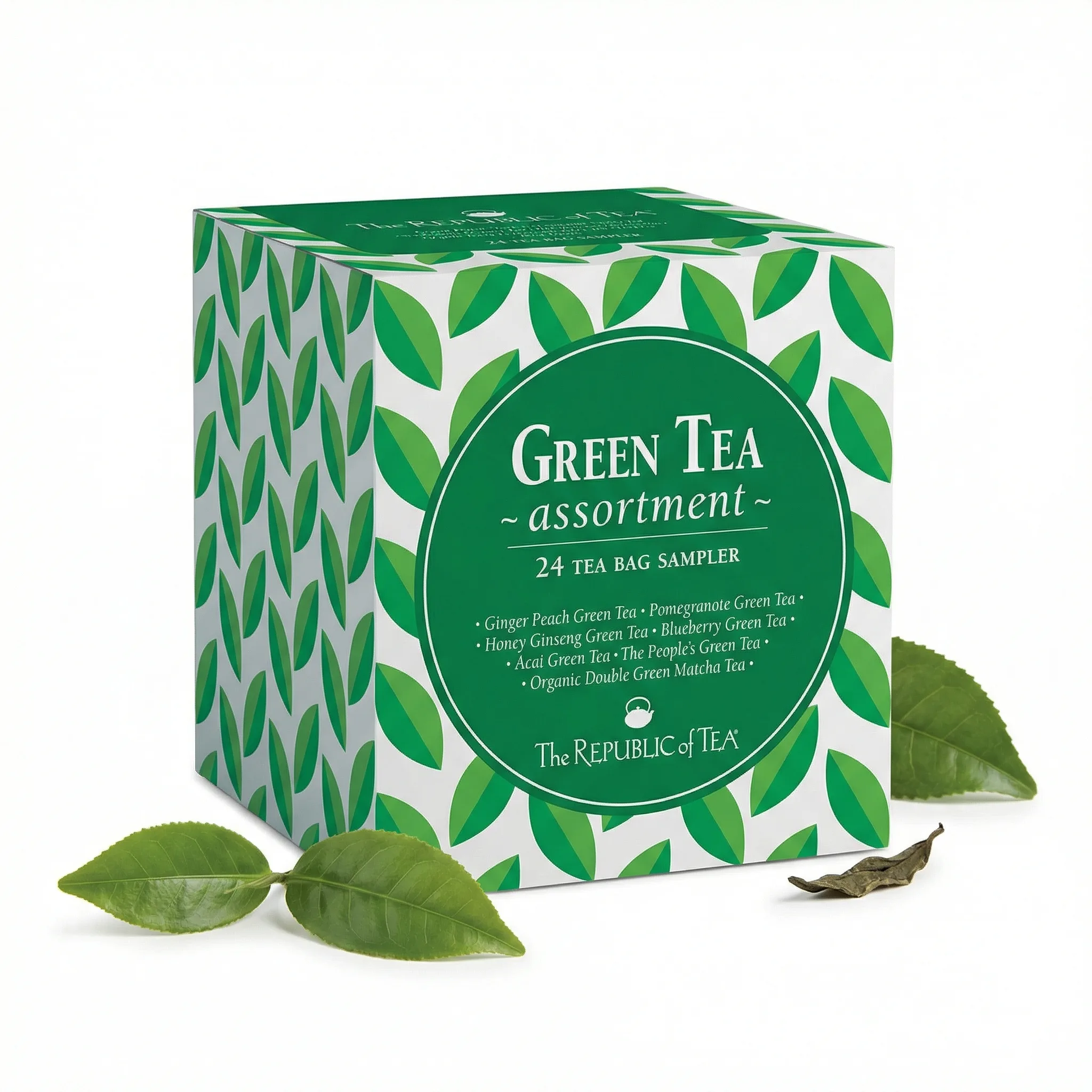
Amazon product photography has more rules than any other ecommerce platform. The main image must be on pure white. The product must fill 85% of the frame. No props, no text, no models on the main image. This step-by-step guide covers how to meet every requirement without a professional studio.
Updated: April 2026
What Amazon Product Photography Requires
Amazon listing images must meet specific technical and compliance requirements before they go live. The main image has the strictest rules — secondary images have more flexibility. Understanding which rules apply where prevents the most common upload failures.
The Problem
GreenOnion.ai Amazon product image generator - generate professional images from one photo, no photoshoot needed.
Most sellers take a product photo, upload it, and discover it fails compliance after the listing goes live. Off-white backgrounds, products too small in frame, shadows on the background — each triggers a compliance warning or suppression.
Who This Is For
New Amazon sellers setting up their first product listings. DIY photographers whose images keep failing Amazon's compliance requirements.
Step-by-Step Setup
Step 1 — Prepare your background. Large white foam board or seamless white paper. Not white fabric — it wrinkles and creates shadows. Tape it to a wall so it curves at the bottom, eliminating the seam between vertical and horizontal surfaces.
Step 2 — Set up two light sources. Position one light at 45 degrees on each side of the product. Equal intensity from both sides eliminates shadows. Daylight-balanced bulbs (5500K) produce neutral white light that doesn't color-shift your background.
Step 3 — Set your camera. Shoot in RAW if available. Set white balance manually using the white background as reference. Higher aperture (f/8–f/11) keeps the entire product in focus.
Step 4 — Position and shoot. Product centered, filling 85%+ of frame. Check corners — if background appears gray or off-white in corners, add more light. Shoot 10–15 frames and select the sharpest.
Step 5 — Edit. Correct white balance until background reads RGB 255,255,255. Remove any remaining shadows. Export as JPEG, 2000×2000px, sRGB colorspace.
What Each Image Slot Needs
| Slot | Content | Rules |
|---|---|---|
| Main | Product only, white BG | No text, props, models |
| 2–4 | Feature callouts | Text overlays allowed |
| 5–7 | Lifestyle, in-use | Models allowed |
| 8–9 | Specs, brand story | Flexible |
GreenOnion tip: Tools like GreenOnion generate compliant white-background and lifestyle shots from a single product photo — no studio or photographer needed.
FAQ
Can I use a phone for Amazon product photography? Yes. iPhone 13 Pro and later, Samsung Galaxy S22 and later produce listing-quality images in good light. The limiting factor is always lighting, not the camera.
How do I achieve true white without Photoshop? Shoot in RAW and adjust white balance in Lightroom Mobile (free). The whites slider and temperature adjustment can correct most off-white backgrounds without Photoshop.
What if my product is white? White products on white backgrounds are genuinely difficult. Use subtle shadows to define the product edge, or shoot on a very light gray and brighten to near-white in editing.
Get compliant Amazon listing images in minutes
Upload one product photo — GreenOnion generates white-background main images and lifestyle shots that meet Amazon's requirements.
Generate Amazon images freeRelated Articles
Product Photo Editing for Amazon: Fix Your Listings Fast (2026)
Learn how to edit product photos for Amazon listings — white background correction, shadow removal, and how AI eliminates editing entirely.
Amazon ListingAmazon Listing Photo Size: Complete Requirements Guide (2026)
Amazon listing photo size requirements for 2026 — minimum dimensions, recommended sizes, file formats, and how to optimize for zoom and thumbnails.
Amazon ListingWhite Background Product Photography for Amazon: The Complete Guide (2026)
How to achieve true white background product photography for Amazon main images — setup, lighting, editing, and why AI eliminates the technical challenge.