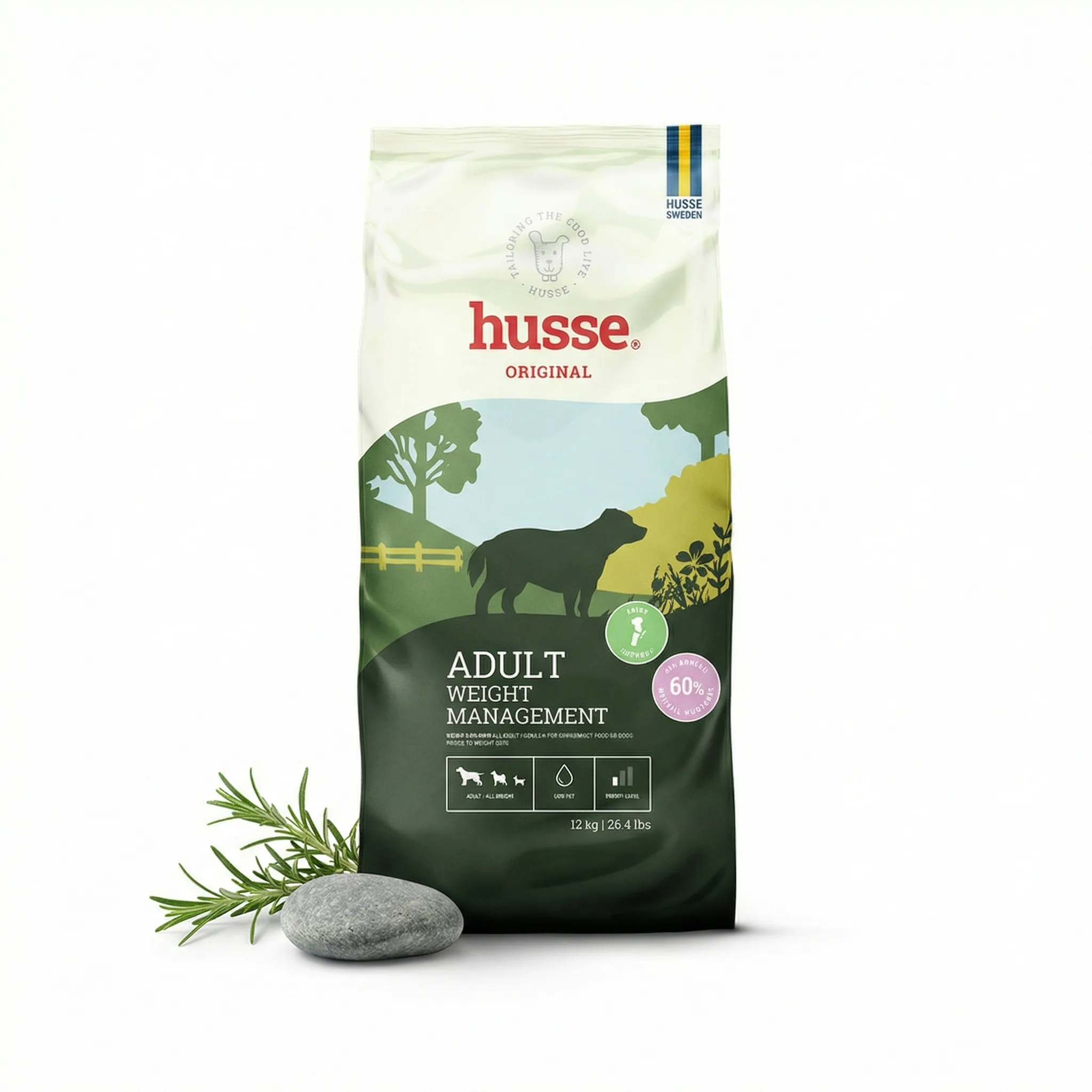
Background removal is one of the most common photo editing tasks for Amazon sellers — replacing a real-world background with pure white for main image compliance. This guide covers what works, what doesn't, and when to use a different approach entirely.
Updated: April 2026
What Is Product Photo Background Removal?
Background removal isolates the product and deletes everything else, leaving it on a transparent background that can be placed on pure white. Quality of removal determines whether the result looks professional or artificial.
The Problem
Background removal produces poor results for many product types. Products with complex edges — transparent materials, reflective surfaces, jewelry chains — create ragged or halo-effect edges. Products with white elements blend into white backgrounds after removal.
Who This Is For
Amazon sellers with product photos on non-white backgrounds who need compliance for main images.
Background Removal Tools
Remove.bg: Automatic removal, good for simple shapes. Free for low resolution, subscription for full. Best for products with clear edges.
Adobe Photoshop: Manual selection gives precise control. Highest quality but requires skill and time.
Canva Pro: Integrated background removal. Good for simple shapes, less precise for complex edges.
Adobe Firefly: AI-powered removal with generative fill for cleanup. Better edge handling than basic automatic tools.
When Background Removal Doesn't Work
Transparent products (glass, crystal), highly reflective products (mirrors, polished metal), and products with complex outlines (jewelry chains, fabric) require either professional photography setup or AI generation — not post-process removal.
Background Removal vs AI Generation
| Approach | Best For | Limitation |
|---|---|---|
| Background removal | Simple product shapes, solid edges | Complex/transparent/reflective products |
| AI generation | All product types including complex | Requires clear input photo |
GreenOnion tip: Tools like GreenOnion generate compliant white-background and lifestyle shots from a single product photo — no studio or photographer needed.
Frequently Asked Questions
Does background removal create a truly white background?
Removal creates a transparent background. You then place on a white canvas. Whether it reads as RGB 255,255,255 depends on your canvas setup.
How do I handle products that are partially white?
Products with white elements need masking that distinguishes product from background using shadows or edge definition. AI generation handles white products better than manual removal.
Can I use free tools for Amazon background removal?
Remove.bg's free tier produces low-resolution output (625px maximum) — below Amazon's minimum. Use the paid version or an alternative for Amazon use.
Get compliant Amazon listing images in minutes
Upload one product photo — GreenOnion generates white-background main images and lifestyle shots that meet Amazon's requirements.
Generate Amazon images freeRelated Articles
Product Photo Editing for Amazon: Fix Your Listings Fast (2026)
Learn how to edit product photos for Amazon listings — white background correction, shadow removal, and how AI eliminates editing entirely.
Amazon ListingWhite Background Product Photography for Amazon: The Complete Guide (2026)
How to achieve true white background product photography for Amazon main images — setup, lighting, editing, and why AI eliminates the technical challenge.
Amazon ListingAmazon Main Image Requirements: Full Compliance Checklist (2026)
Complete Amazon main image requirements checklist for 2026 — background, dimensions, product fill, and what gets listings suppressed.