Food Photography Tips and Tricks for Social Media (2026)
Social media food photography is optimized for engagement — stopping the scroll, generating saves, building brand identity. Different requirements than ecommerce product photography.
Updated: April 2026
Food Photography Tricks That Perform on Social Media
Overhead flat lay: The most social-media-native food format. Shows ingredient spreads and styled arrangements in full. High engagement on Instagram and Pinterest.
In-progress shots: Pouring, mixing, cutting — the food in mid-process. Creates movement and story. Often outperforms finished-dish shots on TikTok.
Bite or cut reveal: The cross-section showing the inside — a cut brownie, broken cookie, sliced citrus. High saves and shares across all platforms.
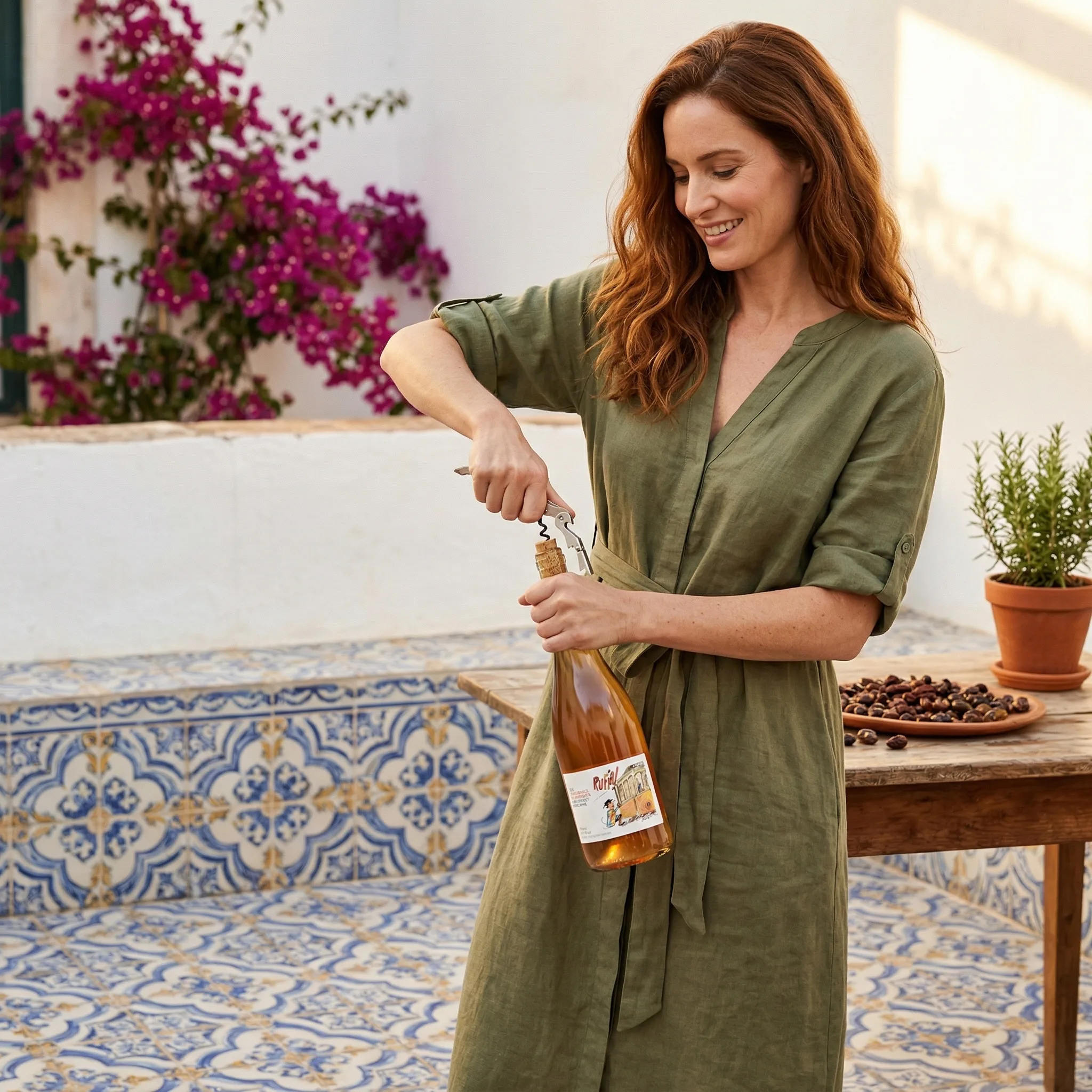
Lifestyle integration: The food in a real-life moment. Creates the specific context that makes content relatable rather than generically aspirational.
Seasonal and trend content: Food photography aligned with seasons, holidays, or food trends outperforms evergreen content during relevant periods.
Composition Tricks for Social Media Food Photography
Hero and supporting cast: One clear hero element (the food), supported by 2-3 props. Simple compositions with a clear subject get more engagement than busy ones.
Negative space: Empty space around the food. Counterintuitively, less content in the frame often performs better — the eye has somewhere to rest.
GreenOnion.ai AI product photography tool - generate professional images from one photo, no photoshoot needed.
Imperfect is authentic: A crumb, a drip, a not-quite-perfect slice. Social media food photography that's too perfect looks like stock photography. Controlled imperfection looks authentic and gets more engagement.
Platform-Specific Format Guidance
Instagram feed: 4:5 (portrait) maximizes screen real estate Stories/Reels: 9:16 (vertical) Pinterest: 2:3 (vertical) TikTok: 9:16 (vertical)
Create one high-quality 4:5 image and crop for each format. Don't shoot separately for each platform.
Generate professional product images →
GreenOnion tip: Tools like GreenOnion generate professional product scenes from a single photo — making studio-quality imagery accessible to any seller.
Frequently Asked Questions
How does AI help with this?
AI generates professional lifestyle scenes from a single product photo — no equipment, photographer, or studio required.
Which platforms does this apply to?
Amazon, Etsy, Shopify, and social media each have different visual requirements. GreenOnion generates platform-optimized images automatically.
How do I get started?
Upload a clear product photo to GreenOnion.ai, select your platform module, and generate a complete image set in minutes.
Skip the studio. Get professional product photos instantly.
Upload one product photo — GreenOnion generates clean studio shots, lifestyle scenes, and platform-ready images in minutes.
Try GreenOnion freeRelated Articles
Food Product Photography for Amazon Listings (2026)
How to create food product photography for Amazon listings — packaging shots, lifestyle images, and how AI generates compliant food product images.
Product PhotographyFood Photography for Beginners: AI Styling and Props (2026)
Setting up a professional product photography space at home is simpler and cheaper than most sellers assume — and documentation is the secret to consistency.
Product PhotographyFood Photography Lighting Tutorial for Content Creators (2026)
Food photography lighting makes or breaks the shot. The right light makes food look fresh, warm, and delicious.