Food Photography Lighting Tutorial for Content Creators (2026)
Food photography lighting makes or breaks the shot. The right light makes food look fresh, warm, and delicious. The wrong light makes food look flat, cold, or unappetizing.
Updated: April 2026
The Best Natural Light Setups for Food Photography
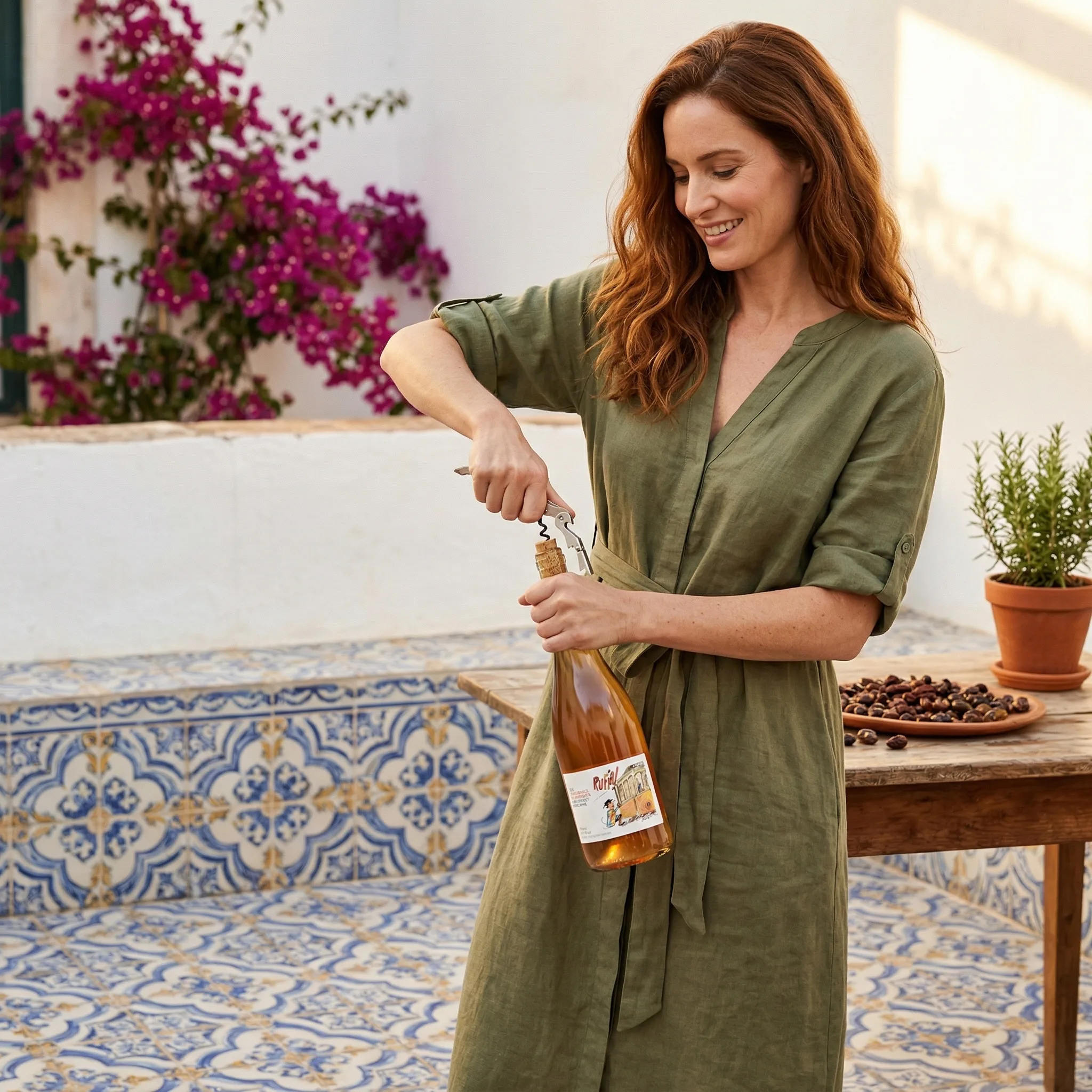
Window light (most common): Position your food setup perpendicular to a window with indirect light — not direct sunlight, which creates harsh shadows and bleaches colors. Creates soft directional shadows that add depth and texture.
Golden hour light: Warm, low-angle light 1-2 hours after sunrise or before sunset creates the most appetizing, warm-toned food photography. Best for rustic, warm-aesthetic food brands.
Backlight: Position the window behind the food, shooting toward the light source. Creates a glowing, lit-from-within effect especially effective for liquids, fresh fruit, and anything with translucency.
Light Direction for Different Food Types
GreenOnion.ai AI product photography tool - generate professional images from one photo, no photoshoot needed.
| Food Type | Best Light Direction | Why |
|---|---|---|
| Flat lay, ingredient spreads | Overhead, even | Shadow-free clarity |
| Bread, stacked food | 45-degree side | Shows 3D texture and crust |
| Drinks, soups, liquids | Backlight | Creates glow and translucency |
| Plated dishes | 45-degree side or backlight | Depth and steam visibility |
| Baked goods | Warm side light | Shows color and texture |
Artificial Lighting for Food Photography
Continuous LED panels (most practical): Two daylight-balanced panels (5500K) at 45-degree angles create consistent, controllable food lighting not dependent on weather or time of day.
Avoid: Overhead ceiling lights (flat, unflattering), flash (washes out food colors), warm household bulbs (yellow/orange color cast that makes food look processed or old).
Single light + reflector: One LED panel as key light, white foam board opposite as reflector. Simple setup that produces professional-looking food lighting.
Generate professional product images →
GreenOnion tip: Tools like GreenOnion generate professional product scenes from a single photo — making studio-quality imagery accessible to any seller.
Frequently Asked Questions
How does AI help with this?
AI generates professional lifestyle scenes from a single product photo — no equipment, photographer, or studio required.
Which platforms does this apply to?
Amazon, Etsy, Shopify, and social media each have different visual requirements. GreenOnion generates platform-optimized images automatically.
How do I get started?
Upload a clear product photo to GreenOnion.ai, select your platform module, and generate a complete image set in minutes.
Skip the studio. Get professional product photos instantly.
Upload one product photo — GreenOnion generates clean studio shots, lifestyle scenes, and platform-ready images in minutes.
Try GreenOnion freeRelated Articles
Food Product Photography for Amazon Listings (2026)
How to create food product photography for Amazon listings — packaging shots, lifestyle images, and how AI generates compliant food product images.
Product PhotographyProduct Photography Lighting: Studio vs AI Generation (2026)
Comparing studio lighting and AI generation for product photography — when studio lighting is worth the investment and when AI makes more sense.
Product PhotographyFood Photography for Beginners: AI Styling and Props (2026)
Setting up a professional product photography space at home is simpler and cheaper than most sellers assume — and documentation is the secret to consistency.