
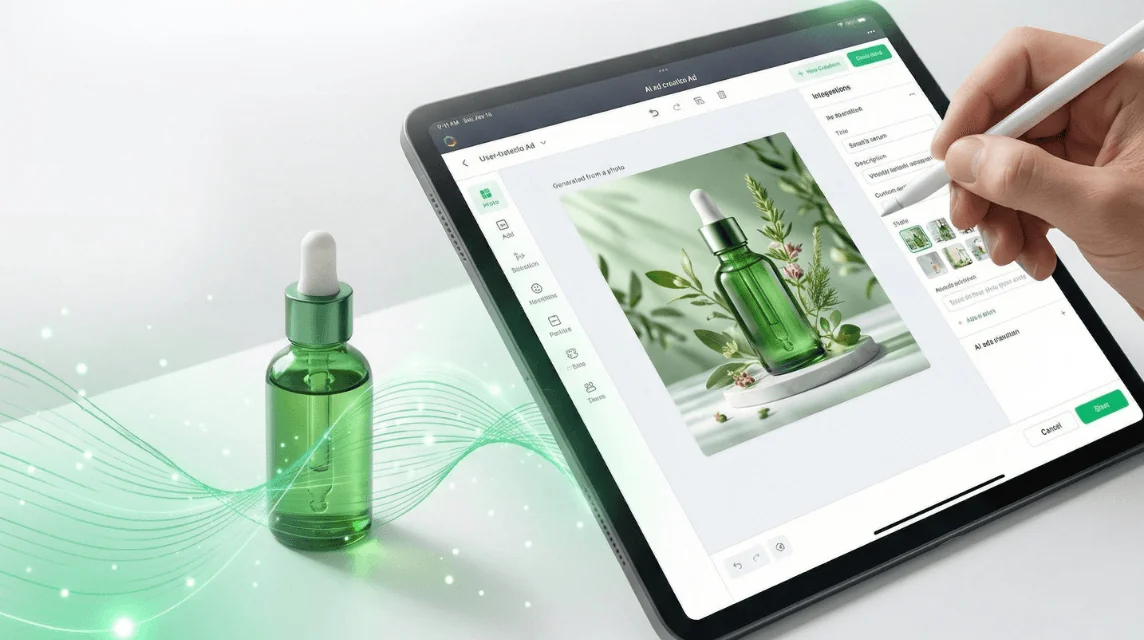
The $5,000 Product Image Problem
Here's what most sellers don't realize: professional product photography costs $150-$500 per image, and you need 6-10 images per listing across multiple platforms. That's $1,000-$5,000 per product before you've made a single sale.
But here's the kicker: Amazon requires high-quality product images, and research shows that rich product imagery significantly boosts conversion rates. You need great images to compete, but traditional photography breaks the bank.
AI changes this equation completely. Whether you're selling on Amazon, Etsy, Shopify, or eBay, you can now create marketplace-compliant product images in minutes instead of days—and for dollars instead of thousands. Platforms like GreenOnion make this process automated and accurate. This guide shows you exactly how, with two proven methods and real examples.
This article covers:
- • Exact image specs for Amazon, Etsy, Shopify, and eBay
- • The 15 types of listing images and when to use each
- • Method 1: DIY workflow using ChatGPT + Google Gemini
- • Method 2: Automated solution with GreenOnion
- • Real examples and time/cost comparisons
Platform Image Requirements (2026)
Before generating images, understand what each platform requires to avoid rejection and listing suppression. Amazon has strict image requirements, and Etsy has specific guidelines for AI-generated items, so getting the specs right matters.
Amazon Requirements
Main Image:
- • Pure white background (RGB 255,255,255)
- • Product fills 85% of frame
- • Minimum 1600x1600px (recommended 2000x2000px) (Amazon Seller Central)
- • JPEG format, under 10MB
Secondary Images:
- • Can include lifestyle contexts
- • Text overlays allowed
- • Multiple angles encouraged
- • Up to 9 images total
Etsy Requirements
Technical Specs:
- • Minimum 2000px on shortest side (Etsy Help Center)
- • Recommended: 2000x2000px (square)
- • JPG, GIF, or PNG format
- • Under 1MB file size
- • 72 PPI resolution
Important Rules:
- • First image must be real photo
- • Square format displays best
- • Leave white space for cropping
- • Up to 10 images per listing
Shopify Requirements
- • Recommended: 2048x2048px (Shopify Help Center)
- • JPG or PNG format
- • Maximum 20MB per image
- • Square images preferred
eBay Requirements
- • Minimum 500px on longest side (eBay Help)
- • Recommended: 1600px or larger
- • JPG, PNG, or GIF format
- • Up to 12 images per listing
The 15 Types of Product Listing Images (And Why Each Matters)
Research shows that rich product imagery with multiple angles and interactive views significantly boosts conversion rates, and listings with multiple angles and lifestyle shots see significantly better performance. Tools like GreenOnion can generate all 15 image types automatically from a single product photo—no prompt writing or decision-making required. But not all images serve the same purpose. Here's the complete breakdown of listing image types and when to use each (so you understand what GreenOnion generates for you automatically).
The data is clear: The right mix of image types doesn't just look good—it directly impacts sales and conversion rates.
1. Hero Banner (Main Image)
Purpose: First impression in search results and product listings. This is your most important image—it determines whether customers click through.
Best practices: Pure white background (RGB 255,255,255), product fills 85% of frame, front-on view, high resolution (2000x2000px minimum). No text, logos, or watermarks.
Why it matters: Main image quality heavily influences click-through rates and user confidence. Amazon requires white backgrounds specifically because they improve clarity in search results.
2. Feature Highlight (2-4 images recommended)
Purpose: Showcase specific benefits, features, or selling points. Each image highlights a different key benefit.
Best practices: Focus on one feature per image. Use clear visual communication—show the feature in action or highlight it with subtle callouts. Examples: "Gentle formula for sensitive skin," "360° spray coverage," "5-minute application."
Why it matters: Customers scan quickly. Feature-focused images help buyers understand benefits at a glance, reducing decision time and improving conversion rates.
3. How-to-Use / Instructional
Purpose: Educational content showing usage process, step-by-step demonstration, or application method.
Best practices: Clear, easy-to-follow visuals. Numbered steps work well. Show the process from start to finish. Keep it simple—customers should understand without reading text.
Why it matters: Reduces customer service inquiries and returns. When buyers understand how to use a product correctly, they're more likely to be satisfied.
4. Lifestyle / Context Images
Purpose: Show product in real-world usage or natural setting. Helps customers visualize the product in their own life.
Best practices: Natural settings, realistic scenarios, human scale references. Show the product being used, not just displayed. Keep product as the hero—background should support, not distract.
Why it matters: Lifestyle images boost purchase intent by helping customers imagine products in their lives. Platforms like Google Merchant Center explicitly allow staged and lifestyle images, recognizing their value in driving emotional connection and sales.
5. Product Detail / Close-up
Purpose: Close-up shots of texture, quality, craftsmanship, or unique design elements.
Best practices: Macro photography showing material texture, stitching, finishes, or special details. Sharp focus, good lighting. Highlight what makes your product premium or unique.
Why it matters: Detail shots build trust and show quality. They answer the question: "Is this well-made?" and help users assess product quality before purchase.
6. Size Reference / Scale
Purpose: Show product dimensions, scale, or sizing guide. Critical for items where size is ambiguous.
Best practices: Include common reference objects (hand, coin, ruler) or show product next to familiar items. For clothing, show on a model with measurements. Clear, informative composition.
Why it matters: 42% of users try to gauge product size from images, making size reference images critical for reducing expectation mismatch and lowering return rates.
7. Before & After / Transformation
Purpose: Demonstrate transformation, improvement, or results. Especially powerful for skincare, beauty, cleaning products, or tools.
Best practices: Side-by-side comparison or split-screen layout. Show clear, realistic results. Use consistent lighting and angles for both "before" and "after" shots.
Why it matters: Visual proof of results is one of the strongest conversion drivers. Shows tangible value and outcomes.
8. Ingredient / Material Highlight
Purpose: Showcase ingredients, materials, or composition. Important for beauty, food, fashion, and premium products.
Best practices: Show ingredients in natural state, highlight premium materials, or display composition details. Clean, informative style. Can include ingredient lists or material tags.
Why it matters: Builds trust through transparency. Customers want to know what they're buying, especially for products they consume or apply to their skin.
9. Comparison / Competitive
Purpose: Position your product against alternatives or competitors. Show why your product is better.
Best practices: Side-by-side comparison with clear differentiation. Highlight advantages: "No cuts vs razor," "Faster than traditional methods." Keep it factual and avoid disparaging competitors.
Why it matters: Helps customers make informed decisions. When done well, comparison images can be the deciding factor in a purchase.
10. Promotional / Special Offers
Purpose: Highlight special offers, bundles, limited-time deals, or value propositions.
Best practices: Show multiple products for bundles, include discount percentages, create urgency. Keep design clean—don't overwhelm with too much text.
Why it matters: Promotional images can significantly boost average order value when customers see bundle deals or limited offers.
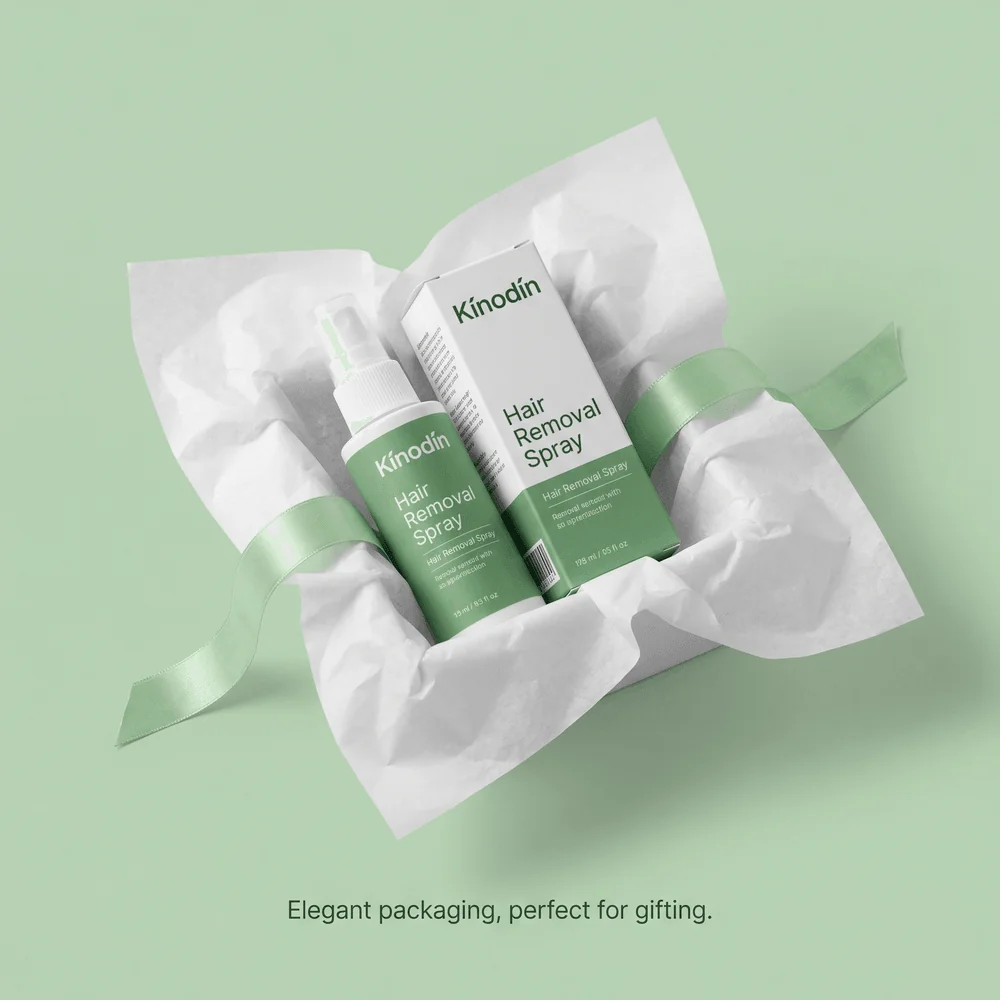
11. Packaging / Unboxing
Purpose: Show packaging quality, unboxing experience, or what's included in the box.
Best practices: Display elegant packaging, show unboxing moment, highlight included accessories or extras. Clean presentation that enhances perceived value.
Why it matters: Packaging images enhance perceived value and build trust by showing buyers exactly what they'll receive, reducing purchase anxiety.
12. Social Proof / Testimonials
Purpose: Display user testimonials, review highlights, or customer satisfaction indicators.
Best practices: Show real customer photos when possible, highlight star ratings, include specific testimonials. Keep it authentic—overly polished social proof can backfire.
Why it matters: Social proof builds trust and shows real-world examples of satisfied customers, following FTC guidelines for authentic endorsements.
13. Certification / Trust Signals
Purpose: Display certifications, awards, trust badges, or quality assurances.
Best practices: Show official certifications, industry awards, or trust indicators. Keep design authoritative and credible. Examples: "Certified organic," "Award-winning," "FDA approved."
Why it matters: Trust signals reduce purchase anxiety, especially for health, beauty, or premium products where quality assurance matters.
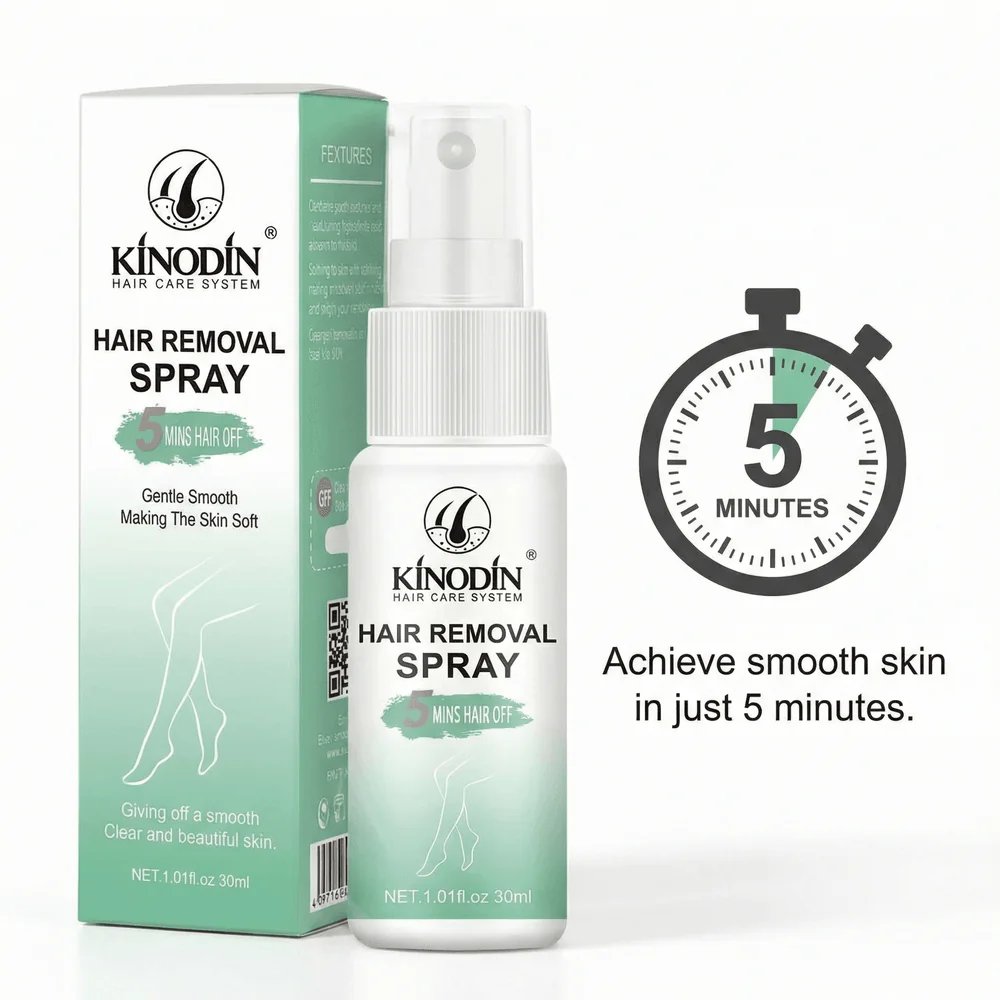
14. Infographic / Benefit Visualization
Purpose: Visualize benefits, features, or data in an easy-to-scan format.
Best practices: Use charts, icons, or visual elements to communicate key data points. Examples: "3x faster results," "95% satisfaction rate," "Proven in clinical studies." Keep it graphic and minimal.
Why it matters: Infographics help users quickly grasp complexity and improve decision speed for scan readers, following UX best practices for e-commerce.
15. Warranty / Guarantee
Purpose: Highlight warranty, guarantee, or money-back assurance.
Best practices: Display warranty information clearly, show guarantee badges, emphasize assurance. Examples: "30-day money-back guarantee," "2-year warranty included," "100% satisfaction guaranteed."
Why it matters: Guarantees reduce purchase risk and can be the final push that converts hesitant buyers.
The Complete Image Set Strategy
Most successful listings use 6-8 images total. Here's a recommended distribution:
- • 1-2 Hero banners (main image + variant)
- • 2-4 Feature highlights (one per key benefit)
- • 1 How-to-use (if product requires instruction)
- • 1 Lifestyle/context (shows product in use)
- • 0-1 Product detail (for quality-focused items)
- • 0-1 Size reference (for ambiguous sizing)
- • 0-1 Additional type based on product (comparison, before/after, etc.)
Shopify explicitly recommends multiple angles, and research shows multiple views significantly boost conversions, so variety matters. But don't overwhelm—each image should serve a specific purpose.
Method 1: DIY with ChatGPT + Google Gemini
The Free Method
This workflow uses ChatGPT to write prompts and Google Gemini (formerly Bard) to generate images. It's free but requires manual work.
Time investment: 15-20 minutes per image set | Cost: Free
Step-by-Step Workflow
Write Your Prompt in ChatGPT
Ask ChatGPT to create an image generation prompt. Be specific about your product and desired background.
Example prompt to ChatGPT:
"Write an image generation prompt for Google Gemini to create a product photo of [your product] on a pure white background, professional studio lighting, product centered and filling 85% of frame, 2000x2000 resolution, photorealistic style."
Generate Image in Google Gemini
Copy the prompt ChatGPT created and paste it into Google Gemini's image generation feature.
- • Go to gemini.google.com
- • Paste your refined prompt
- • Generate 3-4 variations
- • Download best option
Edit and Resize
Use free tools like Canva or Photopea to resize images to platform requirements.
- • Crop to exact dimensions (2000x2000px)
- • Ensure white background is pure (RGB 255,255,255)
- • Compress to under 1MB if needed
- • Save as JPEG for Amazon/Shopify
Create Variations
Repeat process for lifestyle images, different angles, and secondary listing photos. Modify prompt for each variation (e.g., "on marble countertop," "in use by person," "close-up detail shot"). For automated generation of all 15 image types, consider using GreenOnion instead.
Pros
- • Completely free
- • Full creative control
- • Learn prompt engineering
- • No software needed
Cons
- • Time-consuming (15-20 min per set)
- • Inconsistent results
- • Manual resizing required
- • Product accuracy not guaranteed
Method 2: Automated with GreenOnion
The Professional Method
GreenOnion transforms one real product photo into marketplace-ready images automatically. No prompt writing required—GreenOnion intelligently generates all 15 image types (hero, lifestyle, detail shots, etc.) without you needing to decide which types to create or write complex prompts. It preserves exact product details while generating professional backgrounds.
Time investment: Under 60 seconds per image set | Cost: Starting at $19/month
How It Works
Upload Your Product Photo
Take one clear photo of your product with your phone. GreenOnion extracts product details, dimensions, and features automatically.
GreenOnion Generates Everything Automatically
No prompt writing needed. GreenOnion automatically generates all 15 image types (hero banners, feature highlights, lifestyle shots, detail close-ups, size references, and more) based on your product. You don't need to decide which types to create or write complex prompts—the AI handles it all. All images are automatically sized for your target platform (Amazon, Etsy, Shopify, eBay).
Download Platform-Ready Files
Get 20+ variations automatically resized to Amazon (2000x2000px), Etsy (2000x2000px), Shopify (2048x2048px) specs. Files are pre-compressed and named correctly for bulk upload.
No Prompts, No Decisions—Just Results
Unlike the DIY method where you must write prompts for each image type and decide which variations to create, GreenOnion handles everything automatically. The AI knows which image types work best for your product category and generates them all without any prompt engineering from you.
Why GreenOnion Preserves Product Accuracy
Unlike generic AI image generators, GreenOnion is trained specifically for e-commerce. It maintains exact product dimensions, colors, textures, and features—critical for avoiding returns and negative reviews. The AI understands the difference between your product (which must stay accurate) and the background (which can be enhanced).
Pros
- • 60 seconds per image set
- • No prompt writing required
- • Automatically generates all 15 image types
- • Product accuracy guaranteed
- • Auto-sized for all platforms
- • Brand-consistent results
- • Batch processing
Cons
- • Paid service (starts at $19/mo)
- • Requires one real product photo
- • Less creative control than DIY
See It in Action: One Photo, Multiple Styles
See how one product photo transforms into multiple marketplace-ready images
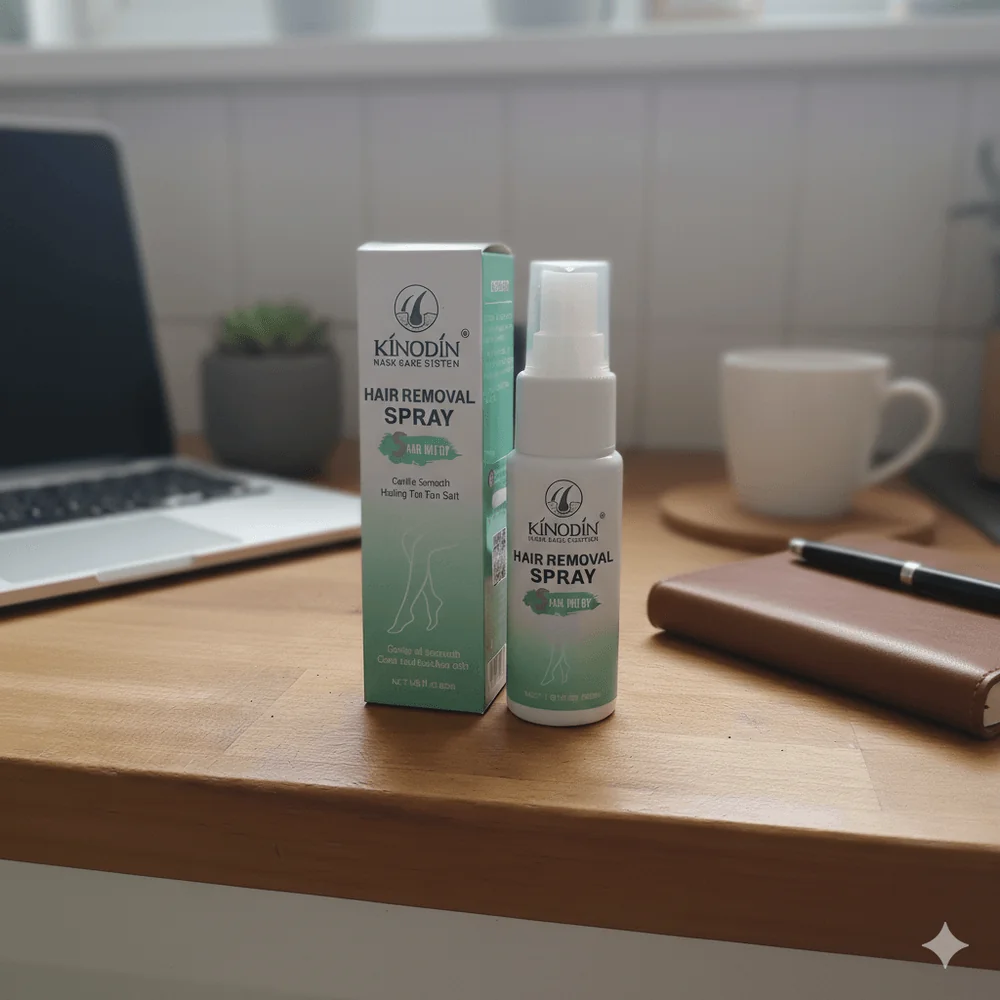
Original
One photo
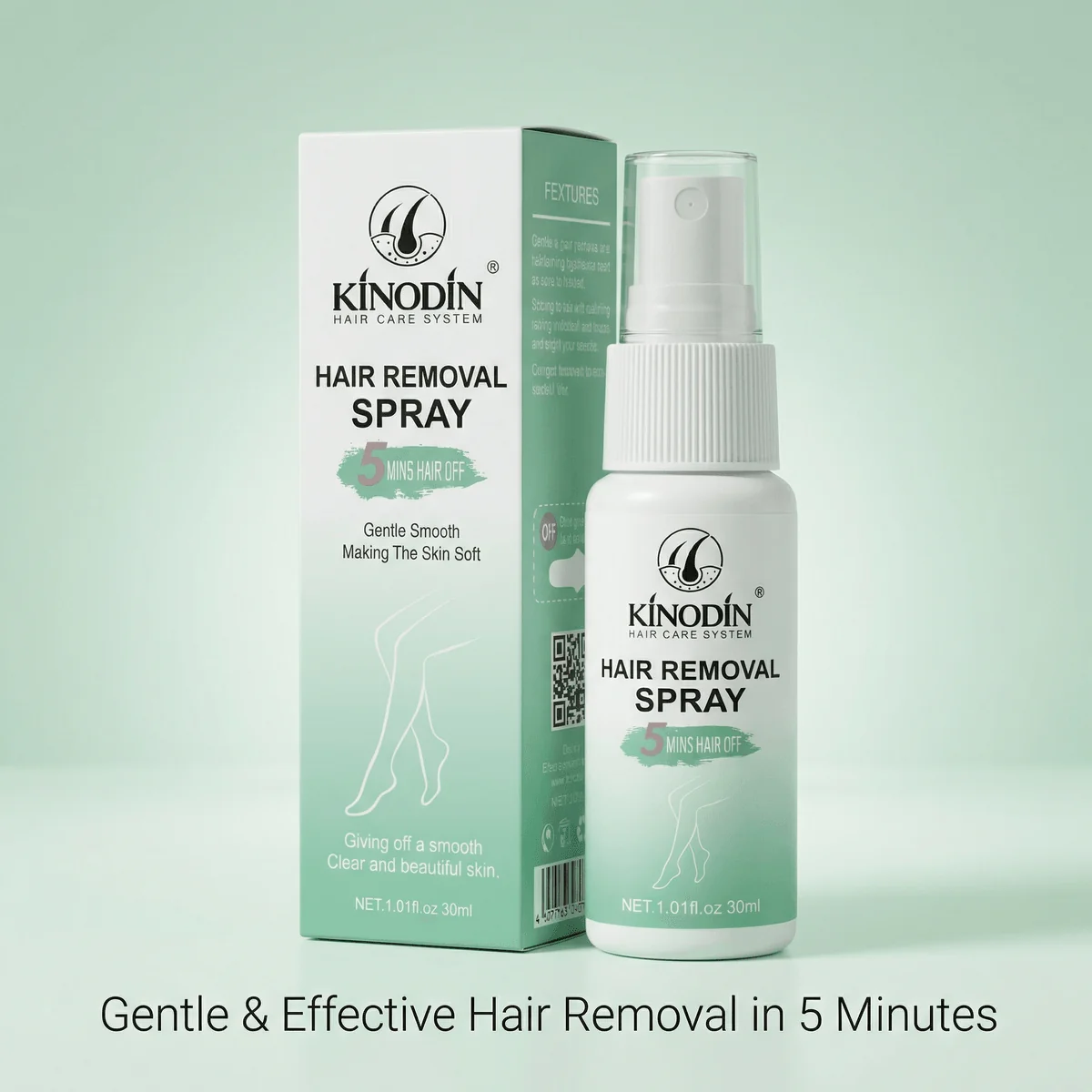
Hero Banner
Branded BG
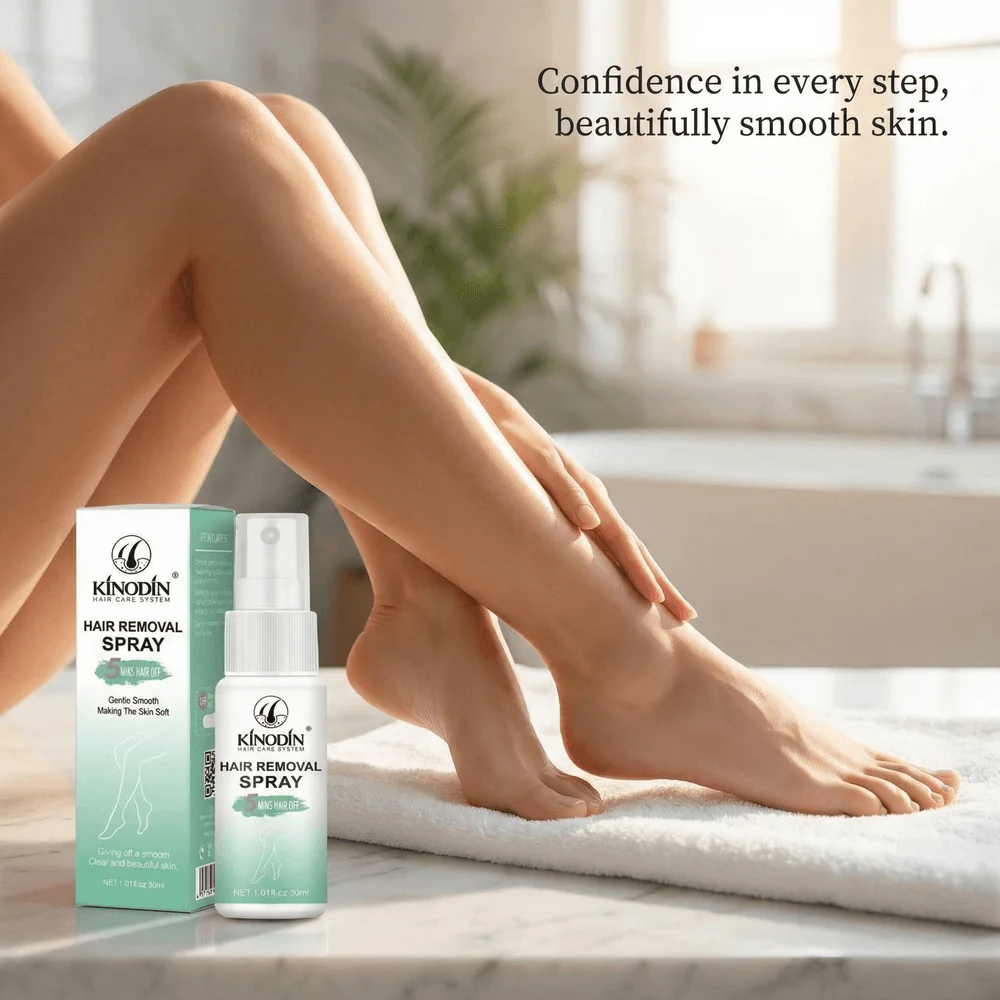
Lifestyle
In context
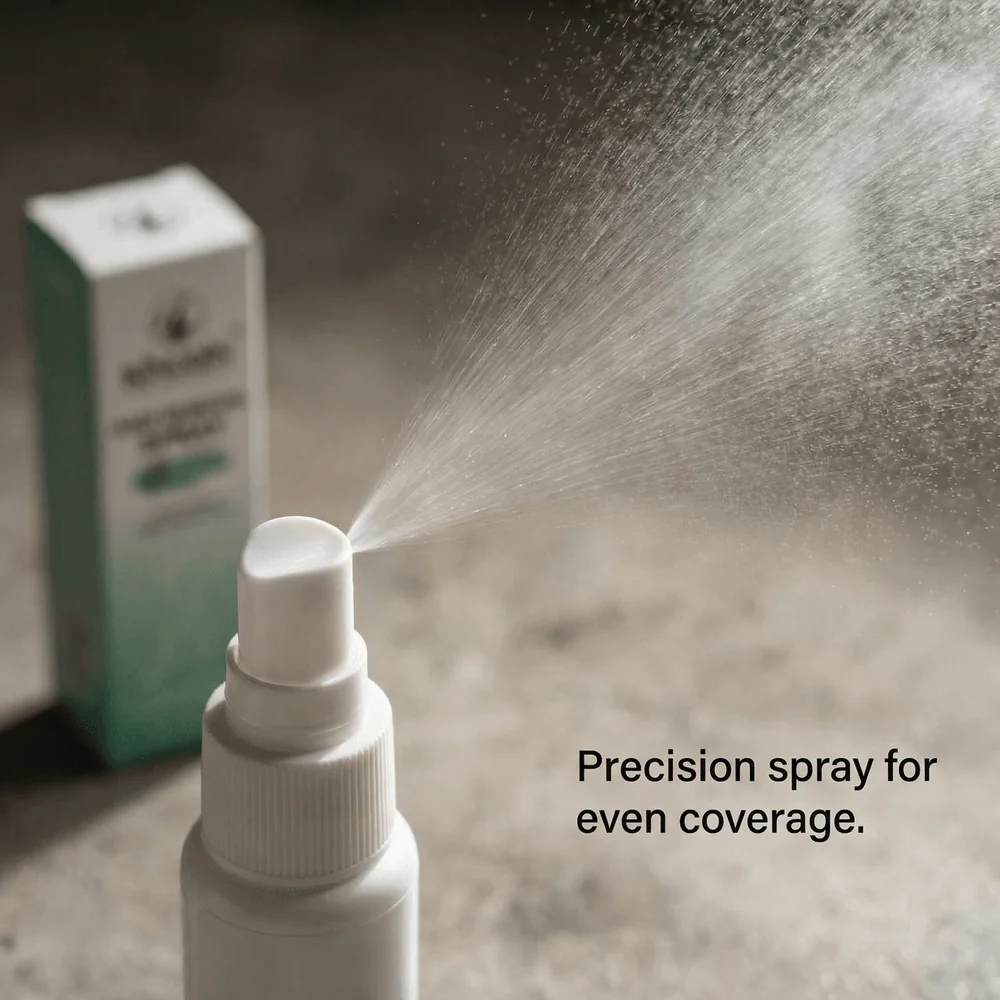
Feature 1
Highlight
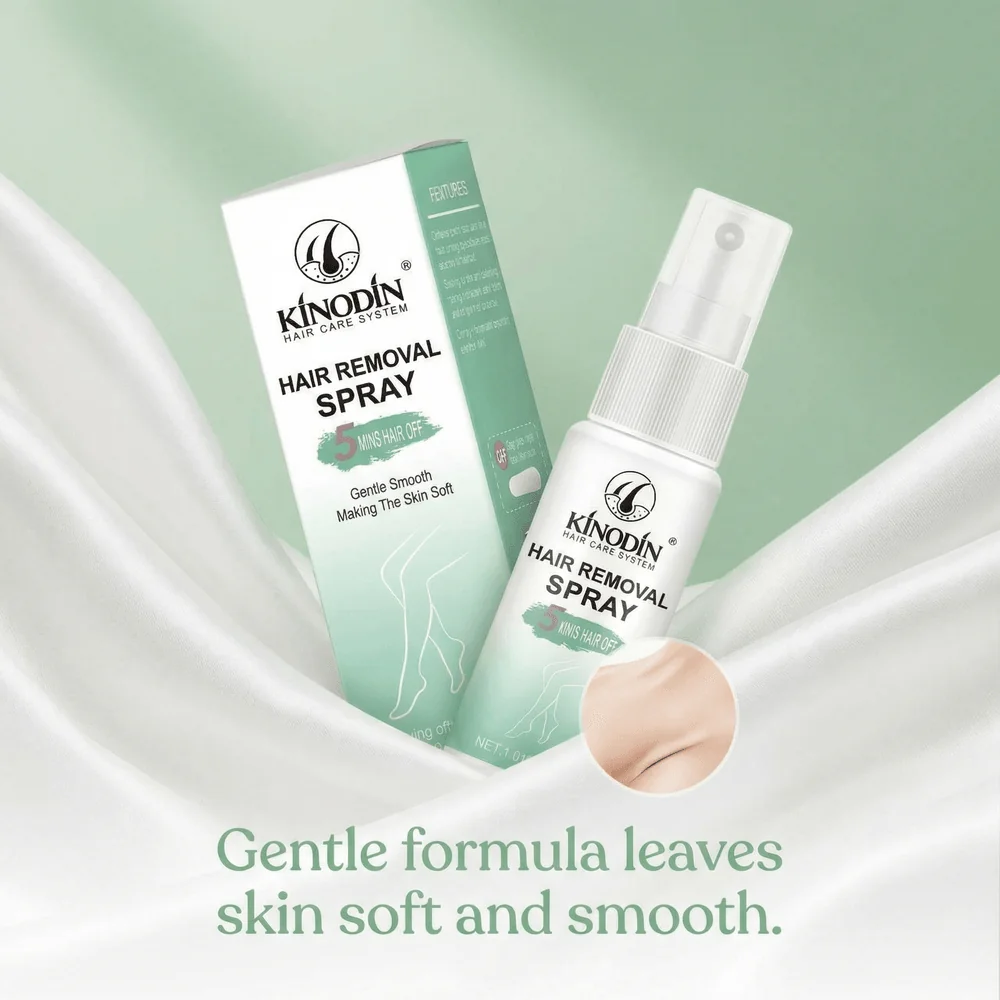
Feature 2
Highlight
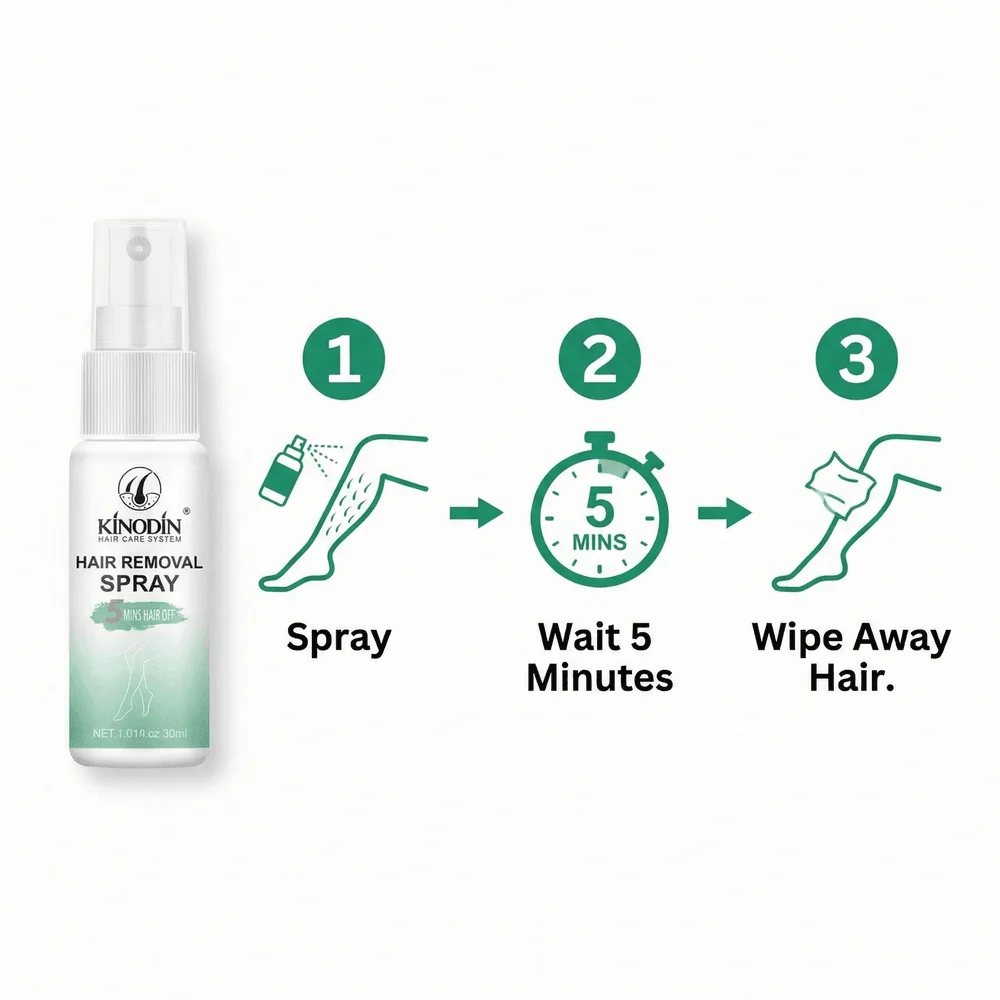
How-to-Use
Instructional
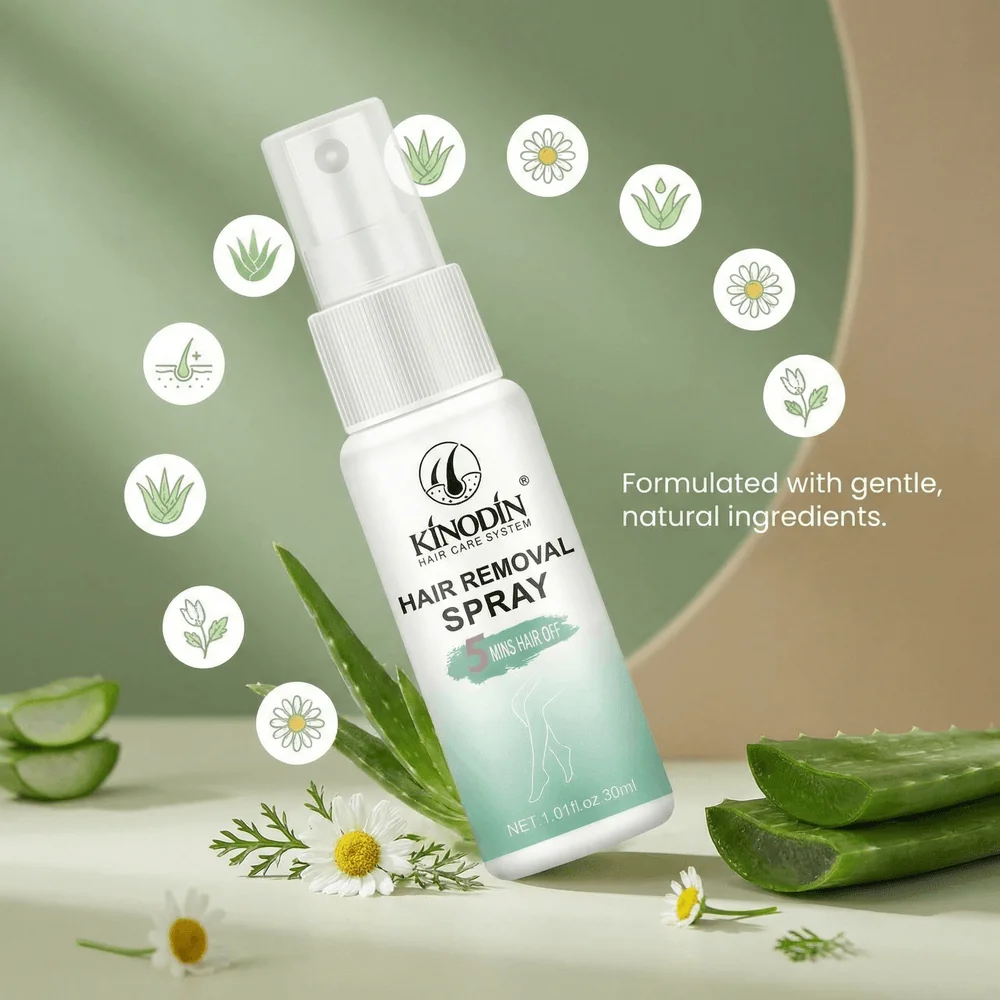
Ingredient
Material
Packaging
Unboxing
Infographic
Benefits
Generated with GreenOnion in under 60 seconds
Method Comparison: Which Should You Choose?
| Factor | ChatGPT + Gemini | GreenOnion |
|---|---|---|
| Time per product | 15–20 minutes | Under 60 seconds |
| Cost | Free | $19/month+ |
| Product accuracy | Inconsistent | Preserved & controlled |
| Platform sizing | Manual | Automatic |
| Scalability | Low | High (batch-ready) |
| Best for | Single products, experiments | Stores, catalogs, growth |
How to Choose the Right Method
The best approach depends on your catalog size, speed requirements, and tolerance for manual work. Use the framework below to decide in under one minute. For sellers with multiple products, GreenOnion offers batch processing that can handle entire catalogs automatically.
Choose DIY (ChatGPT + Gemini) if:
- • You have 1–3 products
- • Budget is $0
- • You enjoy prompt tweaking
- • Speed is not critical
- • Minor inaccuracies are acceptable
Choose GreenOnion if:
- • You don't want to write prompts or decide which image types to create
- • You have multiple SKUs
- • Accuracy affects returns or reviews
- • You sell on multiple platforms
- • You need speed and consistency
- • You want repeatable results
Rule of thumb:If you're doing this more than once per month, automation pays for itself quickly.
Frequently Asked Questions
Can AI-generated images get my Amazon listing suspended?
No—Amazon doesn't restrict how images are created, as long as they meet technical requirements. However, the product must accurately match what the customer receives per FTC truth-in-advertising requirements. Incorrect colors, altered shapes, or fake features can lead to listing suppression or returns, regardless of whether images are AI-generated or photographed.
Do I still need a real product photo?
For best results, yes. Real photos anchor accuracy. GreenOnion requires one real image to preserve dimensions and materials. Pure text-to-image workflows are higher risk for e-commerce.
Can I reuse the same images across Amazon, Etsy, and Shopify?
Yes, but sizes and cropping differ. Etsy requires 2000x2000px minimum, while Amazon needs 1600x1600px minimum. Amazon prioritizes strict white-background rules for main images, while Etsy and Shopify benefit from lifestyle context. Auto-resizing prevents quality loss.
Will AI images reduce customer trust?
Poor AI images do. Accurate, realistic images improve trust by showing usage context while keeping the product truthful. The goal is enhancement, not deception.
Final Thoughts & Next Steps
AI has removed the biggest bottleneck in e-commerce visuals: cost and time. Whether you choose a free DIY workflow or a professional automated solution, the key is consistency, accuracy, and speed.
Want to try this with your own product?
Turn one product photo into a full listing in under 60 seconds. Generate Amazon, Etsy, and Shopify-ready images automatically — no prompt writing required.
Try GreenOnion FreeSources & References
- 1. Amazon – Amazon Ads Launches AI-Powered Image Generator (2023)
- 2. Amazon – Amazon Ads Image Generator Adds Aspect Ratio Capability (2024)
- 3. Etsy Seller Handbook – What is Etsy's Stance on AI Creations? (2024)
- 4. Etsy Help Center – Requirements and Best Practices for Images in Your Etsy Shop
- 5. Shopify Help Center – Product Media Types
- 6. Shopify Help Center – Taking Product Photographs
- 7. eBay Help – Adding Pictures to Your Listings
- 8. Amazon Seller Central – Product Image Guide
- 9. Baymard Institute – Provide at Least One "In-Scale" Image (42% of users gauge size from images)
- 10. Nielsen Norman Group – UX Guidelines for Ecommerce Product Pages
- 11. CXL – How Images Can Boost Your Conversion Rate
- 12. Shopify Blog – Ultimate DIY Guide to Beautiful Product Photography (2026)
- 13. Google Merchant Center – Image Link Guidelines
- 14. FTC – Truth in Advertising
- 15. FTC – Advertising and Marketing Basics