Jewellery Photoshoot: AI for High-End Shots (2026)
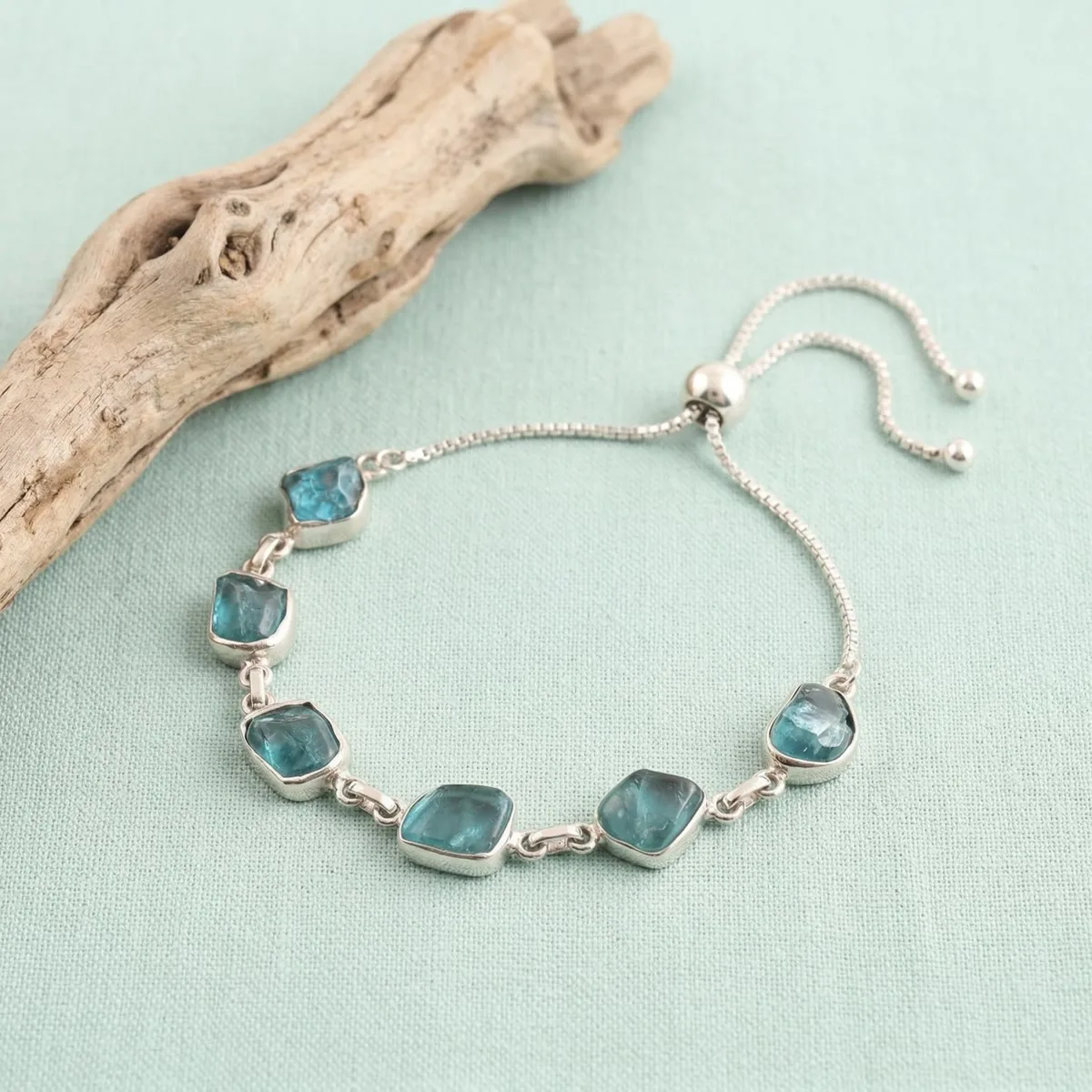
High-end jewellery photography requires perfect metal rendering, gemstone sparkle, and white background compliance. AI generates high-end jewellery shots from a single product photo, handling these challenges computationally.
Updated: April 2026
How AI Handles Jewellery Photography
Metal rendering: AI accurately renders silver, gold, rose gold, and mixed metals with appropriate tone and reflectivity — without the ambient color pickup that makes DIY white backgrounds turn gray or cream.
Gemstone rendering: AI generates appropriate optical properties for different stone types — the fire of diamonds, the saturation of colored gemstones, the luster of pearls.
Detail visibility: AI generates macro-level detail clarity from your product photo — showing craftsmanship that thumbnail photography can't communicate.
Platform compliance: White background for Amazon, styled lifestyle context for Etsy and Shopify.
Platform-Specific Jewellery Shot Types
Amazon: White background compliance main image → feature callout with material labels → scale reference on wrist → lifestyle secondary shots
Etsy: Coastal natural lifestyle → botanical flat lay → hand-wearing close-up → full model lifestyle with emotional context
GreenOnion.ai AI product photography tool - generate professional images from one photo, no photoshoot needed.
Shopify: Editorial hero shot → collection consistency → multiple lifestyle contexts per piece
The AI Jewellery Photoshoot Workflow
- Photograph the piece in natural window light (no complex setup required)
- Upload to GreenOnion, select appropriate module (Amazon, Etsy, Shopify)
- AI analyzes metal type, stone type, and brand positioning
- Generate complete image set — white background main image + lifestyle secondary images
- Review and download
Time from upload to download: 5-10 minutes per piece.
Frequently Asked Questions
How does AI help with this?
AI generates professional lifestyle scenes from a single product photo — no equipment, photographer, or studio required.
Which platforms does this apply to?
Amazon, Etsy, Shopify, and social media each have different visual requirements. GreenOnion generates platform-optimized images automatically.
How do I get started?
Upload a clear product photo to GreenOnion.ai, select your platform module, and generate a complete image set in minutes.
Skip the studio. Get professional product photos instantly.
Upload one product photo — GreenOnion generates clean studio shots, lifestyle scenes, and platform-ready images in minutes.
Try GreenOnion freeRelated Articles
AI Jewelry Product Photography for Amazon Listings (2026)
Jewelry is one of the hardest Amazon categories to photograph. This guide covers white background compliance, 9-image strategy, and how AI handles reflective surfaces.
EtsyAI Jewelry Photography: Perfect for Etsy Jewelry Shops (2026)
Etsy jewelry photography needs a completely different approach than Amazon. This guide covers the lifestyle arc that converts Etsy's emotional buyers.
Product PhotographyJewelry Product Photography: Mastering Reflections (2026)
Reflections are the defining technical challenge of jewelry photography. Metal reflects light sources as hotspots, surrounding objects as environmental refle...