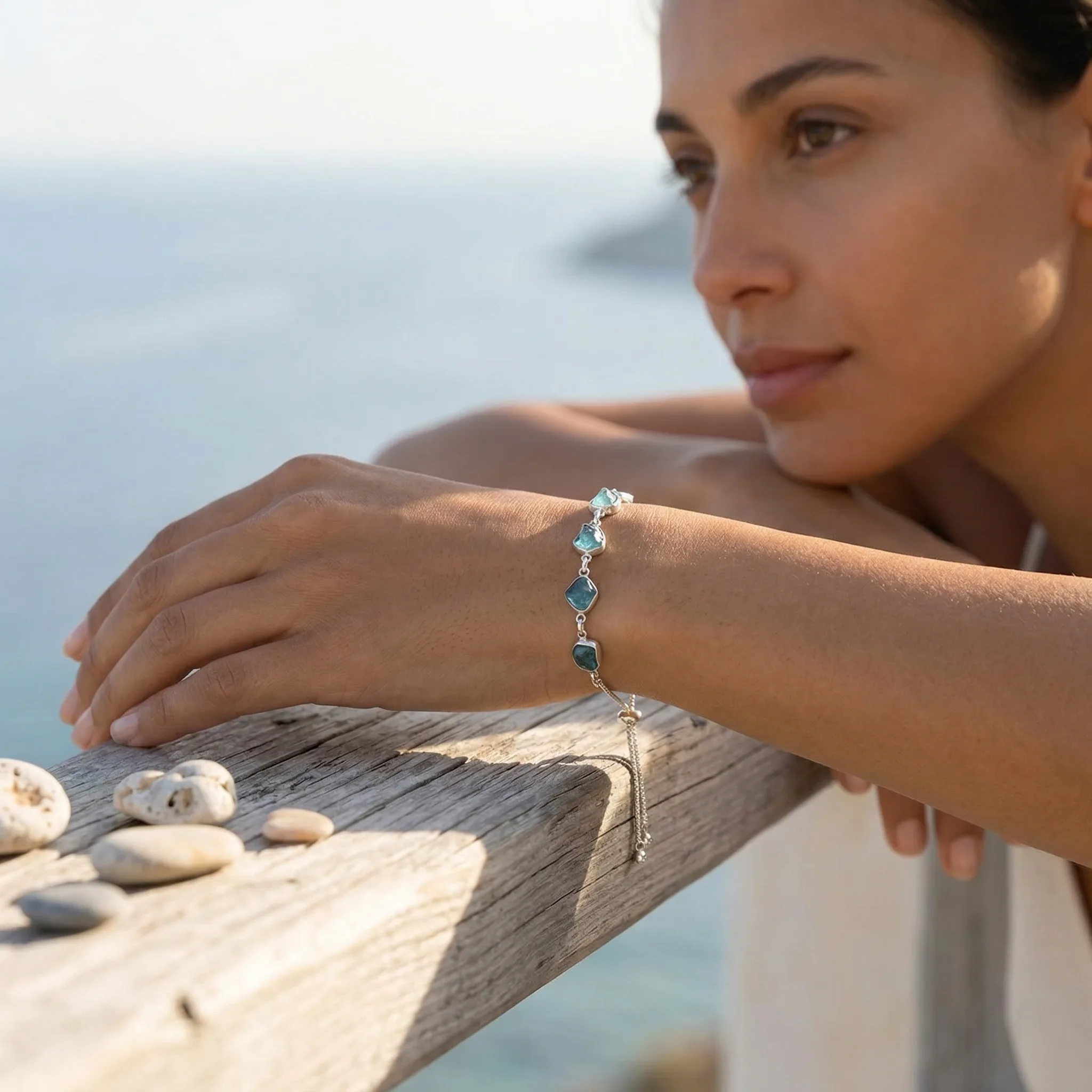
The difference between amateur and professional Etsy photos is often not the camera or the setup — it's the editing. Professional Etsy photos have consistent color temperature, appropriate brightness, and a cohesive look across all images.
Updated: April 2026
What Etsy Photo Editing Should and Shouldn't Do
Editing for Etsy is about enhancing the authentic, warm feeling of the images while maintaining believability. Over-edited Etsy photos lose the authenticity that Etsy buyers are drawn to. Edit to enhance, not to transform.
The Etsy Editing Workflow
Step 1 — Exposure correction: Adjust brightness until the image looks naturally lit — not artificially bright.
Step 2 — White balance: Set the temperature to match the actual light in your scene. Warm it slightly to 4800-5200K for Etsy's preferred warm feel.
Step 3 — Contrast and clarity: Add slight contrast to prevent images from looking flat. Use clarity sparingly — too much creates an unnatural HDR effect.
Step 4 — Color grading: Subtle color grading makes your entire shop feel cohesive. Many successful Etsy sellers use a consistent preset across all their images.
GreenOnion.ai Etsy product image generator - generate professional images from one photo, no photoshoot needed.
Step 5 — Crop and resize: Crop to consistent proportions across your shop. Resize to minimum 2000px on the longest side before uploading.
Free Editing Tools for Etsy Sellers
| Tool | Platform | Best For |
|---|---|---|
| Lightroom Mobile | iOS/Android | Full editing workflow |
| Snapseed | iOS/Android | Quick adjustments |
| VSCO | iOS/Android | Consistent presets |
| Canva | Web/App | Adding text to secondary images |
GreenOnion tip: Tools like GreenOnion let you generate styled lifestyle scenes around your product without props, backdrops, or a photographer.
FAQ
Should I use a preset for all my Etsy photos? A consistent preset across your shop creates visual cohesion that makes your shop look professional.
How much should I edit product colors? Edit for accurate representation, not enhancement. Significantly altered colors can result in returns and disputes.
Should I remove all shadows from Etsy photos? No. Unlike Amazon, Etsy photos benefit from soft, natural shadows. They add depth and authenticity. Remove only harsh, distracting shadows that obscure the product.
Create lifestyle scenes that convert on Etsy
Upload your product photo — GreenOnion generates the styled, contextual images Etsy buyers respond to, without props or a photographer.
Generate Etsy photos freeRelated Articles
How to Take Product Photos for Etsy That Sell (2026)
Learn how to take product photos for Etsy that drive clicks and sales — the visual strategy, lighting setup, and image types every Etsy listing needs.
EtsyEtsy Product Photography: DIY Tips for Sellers (2026)
Practical DIY product photography tips for Etsy sellers — natural light setup, background selection, prop styling, and the most common mistakes to avoid.
EtsyDIY Product Photography at Home for Etsy Sellers (2026)
How to set up DIY product photography at home for Etsy — equipment, lighting, backgrounds, and styling for the handmade aesthetic that converts.