Home Decor Photography: Using AI to Stage Rooms (2026)
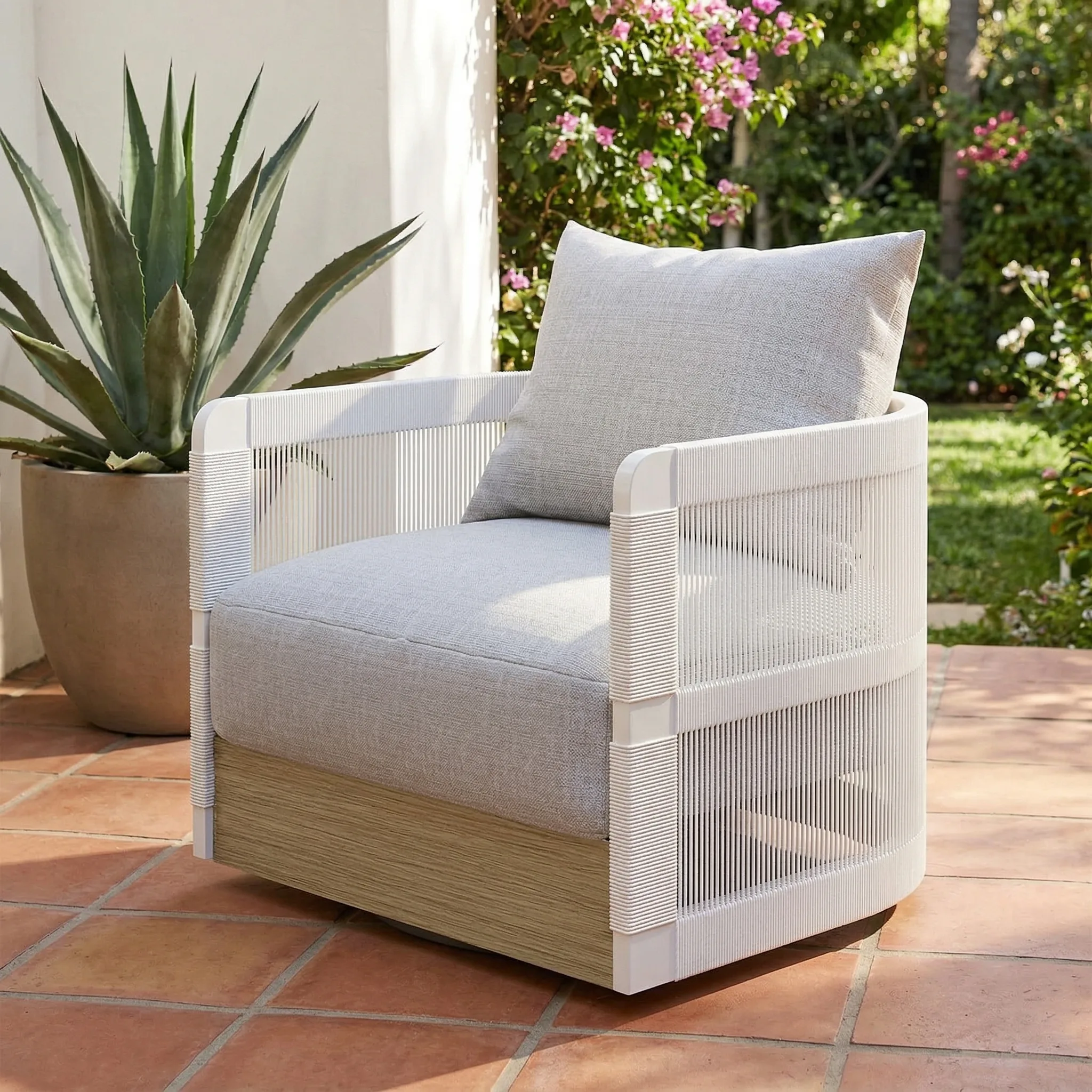
Home decor photography requires buyers to see the product in a real room before deciding if it works in their room. AI room staging makes this accessible to every seller.
Updated: April 2026
Room Staging Scene Types That Convert
Living room: Decorative objects on coffee tables, mantels, or shelving. Works for art, candles, vases, decorative objects.
Bedroom: Small decorative items in bedroom context. Works for jewelry, personal care, small art.
Kitchen counter: Functional and semi-functional items in kitchen context.
Bathroom: Wellness and personal care items.
Gallery wall: Art prints and framed pieces shown on walls in real interior context.
AI room staging: AI places your actual product in generated interior scenes — a ceramic vase gets a Scandinavian living room; a maximalist print gets a colorful gallery wall.
AI Staging for Different Home Decor Categories
The scene must match the product's design identity. A rustic wooden bowl gets a farmhouse kitchen, not a modernist interior. A minimal ceramic sculpture gets a clean contemporary living room.
For catalog consistency: AI applies the same visual vocabulary — same lighting temperature, same styling approach — to every home decor product, ensuring your 50th product matches your 1st.
GreenOnion.ai AI product photography tool - generate professional images from one photo, no photoshoot needed.
GreenOnion tip: Tools like GreenOnion generate professional product scenes from a single photo — making studio-quality imagery accessible to any seller.
FAQ
What room contexts work best for home decor products? Match the context to the product's function — living room for decorative objects, bedroom for textiles, kitchen for functional items.
How many different room contexts should home decor listings include? 3–4 different settings helps buyers from different aesthetic backgrounds find themselves in at least one scene.
Can AI generate accurate room staging for home decor products? Yes. AI generates interior lifestyle scenes appropriate to the product's function and aesthetic.
Skip the studio. Get professional product photos instantly.
Upload one product photo — GreenOnion generates clean studio shots, lifestyle scenes, and platform-ready images in minutes.
Try GreenOnion freeRelated Articles
Product Photography at Home: The Complete DIY Guide (2026)
The same product photographed for Amazon, Etsy, and Shopify requires three completely different setups. This guide teaches platform-first product photography strategy.
Product PhotographyAI Product Photography: Generating Professional Scenes Instantly (2026)
AI product photography generates professional scenes across 11 different product categories — from jewelry to electronics, lifestyle to studio. See what it actually produces.
ShopifyPhotography for Shopify Home Decor Sellers (2026)
Infographics are the most underused image type in Shopify product pages — bridging the gap between lifestyle aspiration and functional decision-making.