Ghost Mannequin Photography: AI vs. Photoshop Tutorial (2026)
Ghost mannequin photography makes clothing appear to float in the shape of a body without a visible mannequin inside. Two approaches: traditional Photoshop post-production and AI generation.
Updated: April 2026
The Traditional Photoshop Method
Step 1: Photograph the garment on a mannequin from front, back, and sides. Step 2: Photograph the interior separately — collar, armholes, and hem with mannequin removed. Step 3: In Photoshop, use the Pen tool to precisely select and mask the mannequin from the front shot. Step 4: Composite the interior shot to fill where the mannequin was removed. Step 5: Clean up edges, shadows, and artifacts.
Time per garment: 20-45 minutes. Skill required: intermediate Photoshop. Mannequin cost: $50-150.
The AI Alternative
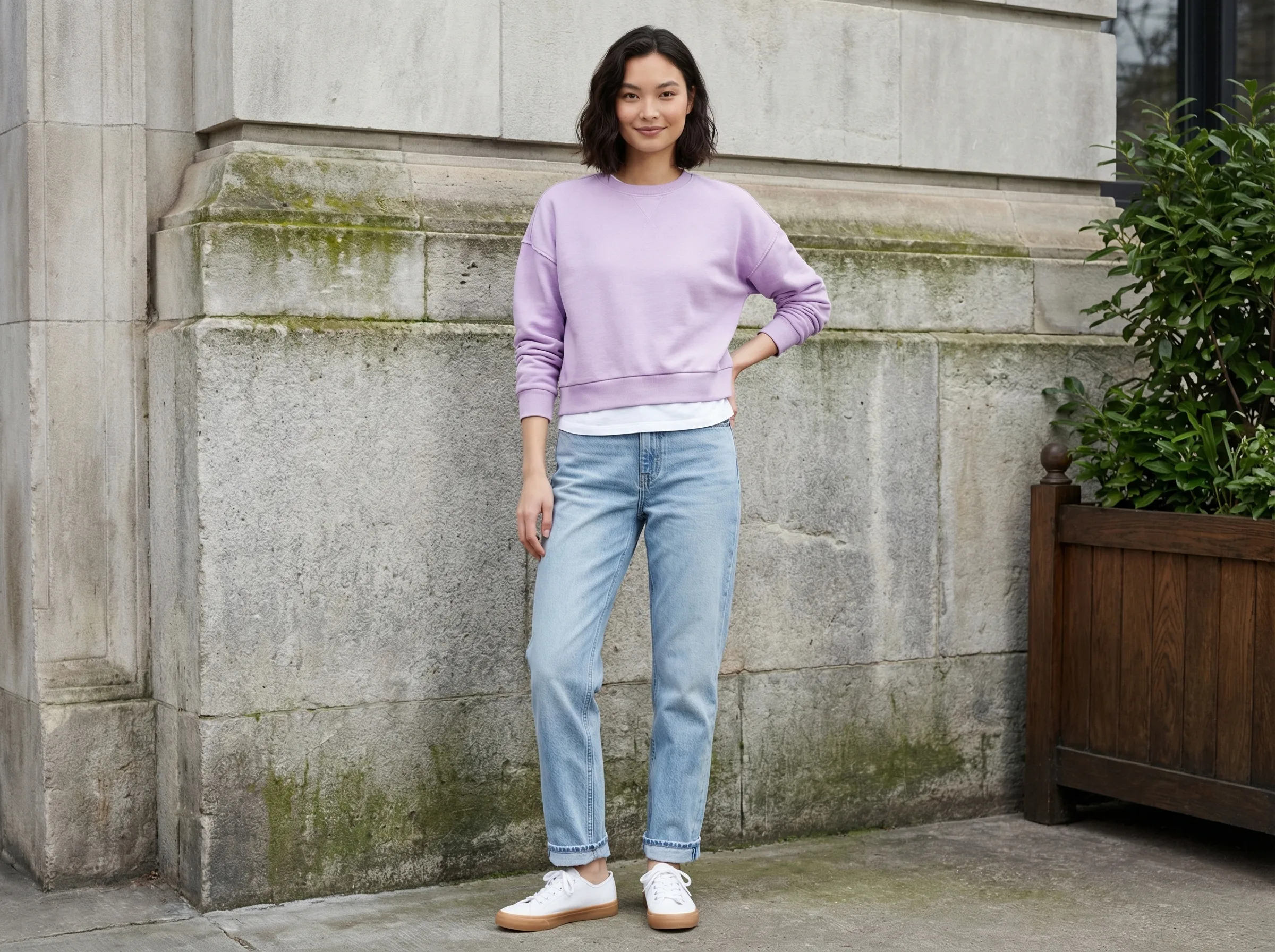
AI fashion model generation places your garment on an AI-generated model — achieving on-body presentation without a physical mannequin or Photoshop work.
For brands that prefer ghost mannequin presentation over on-model, AI can also generate clean product shots showing garment shape and structure — the AI analyzes the garment's silhouette and renders it appropriately.
GreenOnion.ai AI fashion model photography tool - generate professional images from one photo, no photoshoot needed.
Time per garment: under 10 minutes. Skill required: none. Cost: monthly subscription.
When to Use Each Approach
Ghost mannequin works best for structured garments (blazers, jackets, formal shirts) where garment shape is the primary selling point and lifestyle context adds nothing to the purchase decision.
AI models work better for casual wear, lifestyle brands, and anything where fit in real-world context matters more than pure garment structure.
Generate professional product images →
GreenOnion tip: AI tools like GreenOnion can place your clothing on diverse AI models in lifestyle scenes, cutting studio and model costs entirely.
Frequently Asked Questions
How does AI help with this?
AI generates professional lifestyle scenes from a single product photo — no equipment, photographer, or studio required.
Which platforms does this apply to?
Amazon, Etsy, Shopify, and social media each have different visual requirements. GreenOnion generates platform-optimized images automatically.
How do I get started?
Upload a clear product photo to GreenOnion.ai, select your platform module, and generate a complete image set in minutes.
Shoot your clothing line without a model or studio
GreenOnion places your garments on AI models in any setting — get editorial-quality fashion photos from a single flat-lay or hanger shot.
Try fashion photography freeRelated Articles
Ghost Mannequin vs AI Models for Clothing Brands (2026)
Comparing ghost mannequin photography and AI model generation for clothing listings — when each approach works best and how to decide.
FashionHow to Start a Clothing Brand with AI-Generated Models (2026)
Hiring models costs $500-2000 per day. AI models don't. This guide covers whether AI models actually convert, how to execute them correctly, and real examples.
FashionThe Ultimate Clothing Photography Setup for Beginners (2026)
Starting a clothing brand means photographing products before you can sell them. This guide covers the simplest setup that produces professional results.