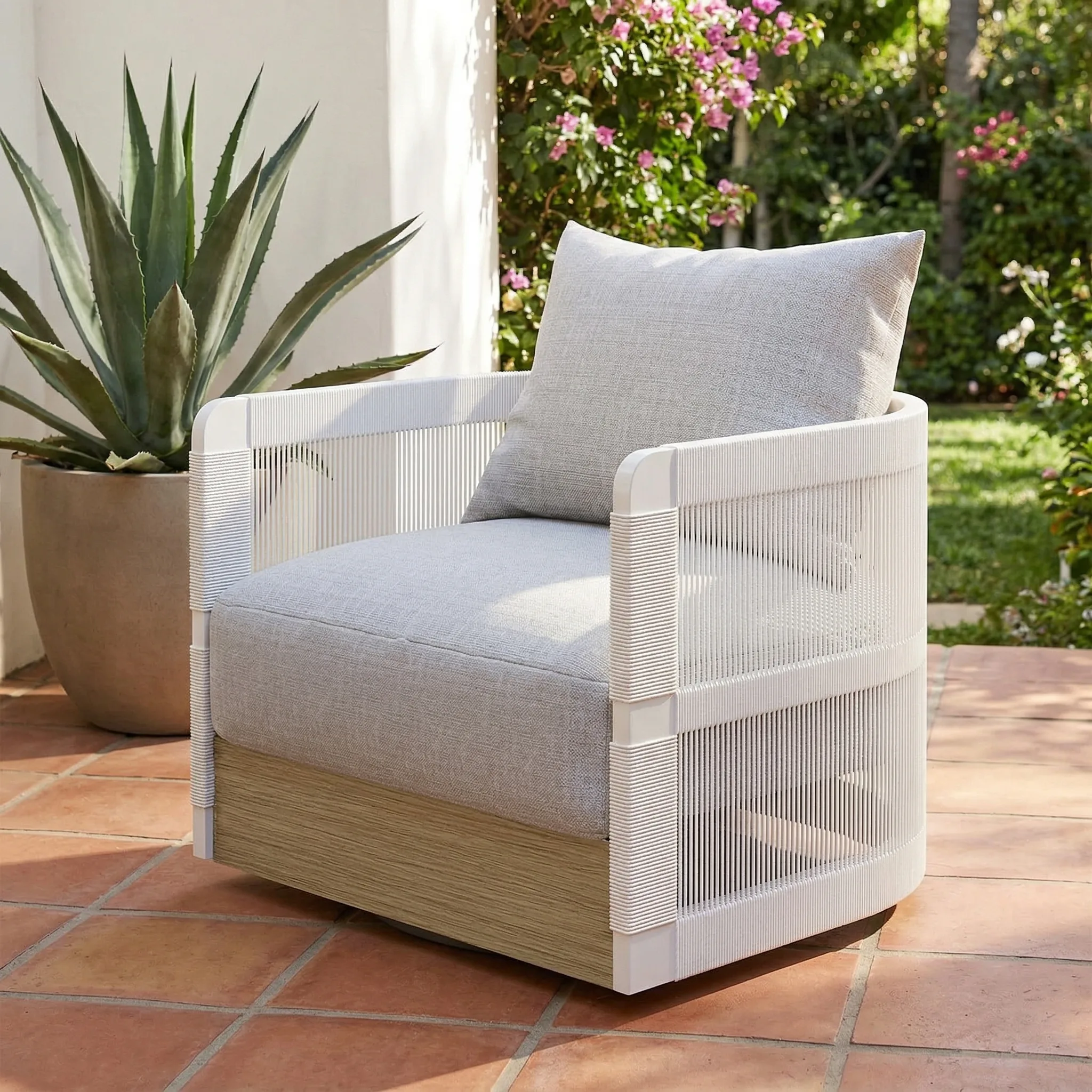
Product photography is the single biggest conversion lever available to ecommerce sellers. Buyers can't touch or try your product — your images have to do that work. This guide covers what ecommerce product photography is, why it matters, and how to get professional results without a studio.
Updated: April 2026
What Is eCommerce Product Photography?
eCommerce product photography is any visual content used to represent a product for sale online. It includes white background main images, lifestyle shots, feature callouts, infographics, and on-model images — each serving a different role in the buyer's decision process.
The Problem
GreenOnion.ai AI product photography tool - generate professional images from one photo, no photoshoot needed.
Most sellers treat product photography as an afterthought. They launch with phone snapshots, wonder why conversion is low, and blame pricing or copy. The real issue is trust. Buyers use image quality as a proxy for product quality. Low-quality images signal a low-quality product — even when the product is excellent.
Who This Is For
New ecommerce sellers on Amazon, Etsy, or Shopify setting up their first listings. Existing sellers with poor-performing listings where photography may be the bottleneck.
How It Works
Great ecommerce photography follows a consistent structure regardless of platform:
Step 1 — Define your platform. Amazon requires pure white backgrounds. Etsy rewards lifestyle and warmth. Shopify needs brand consistency. Platform determines setup before you take a single photo.
Step 2 — Build your image set. Every listing needs a hero shot, detail close-up, lifestyle context, scale reference, and at least one in-use shot. That's 5 minimum — 9 is better.
Step 3 — Generate or shoot. DIY works for 1–15 SKUs with patience. AI tools like GreenOnion generate a complete platform-optimized set from one product photo — no equipment, no photographer.
DIY vs AI vs Professional
| DIY | AI | Professional | |
|---|---|---|---|
| Cost | ~$0 | Subscription | $200–600/SKU |
| Time | Hours per SKU | Minutes | Weeks |
| Consistency | Hard to maintain | Automatic | Depends |
| Quality | Variable | Platform-optimized | Highest |
FAQ
How many product images do I need? Minimum 5, ideally 7–9. More images reduce buyer uncertainty and increase conversion.
Do I need a professional camera? No. A modern smartphone in good natural light produces listing-quality images for most products.
Can I use the same images on Amazon and Etsy? Not optimally. Amazon requires white backgrounds. Etsy performs better with lifestyle images. Platform-specific sets outperform universal ones.
Skip the studio. Get professional product photos instantly.
Upload one product photo — GreenOnion generates clean studio shots, lifestyle scenes, and platform-ready images in minutes.
Try GreenOnion freeRelated Articles
Product Photo Editing for Amazon: Fix Your Listings Fast (2026)
Learn how to edit product photos for Amazon listings — white background correction, shadow removal, and how AI eliminates editing entirely.
Product PhotographyHow to Change Product Photo Background With AI (2026)
Learn how to change product photo backgrounds with AI — for Amazon white backgrounds, Etsy lifestyle scenes, and Shopify brand aesthetics.
AmazonAmazon Product Photography: A Conversion Funnel Breakdown
75-83% of Amazon shoppers decide based on product images alone. This breakdown maps where images sit in the conversion funnel and how they compare to price, reviews, and A+ Content.