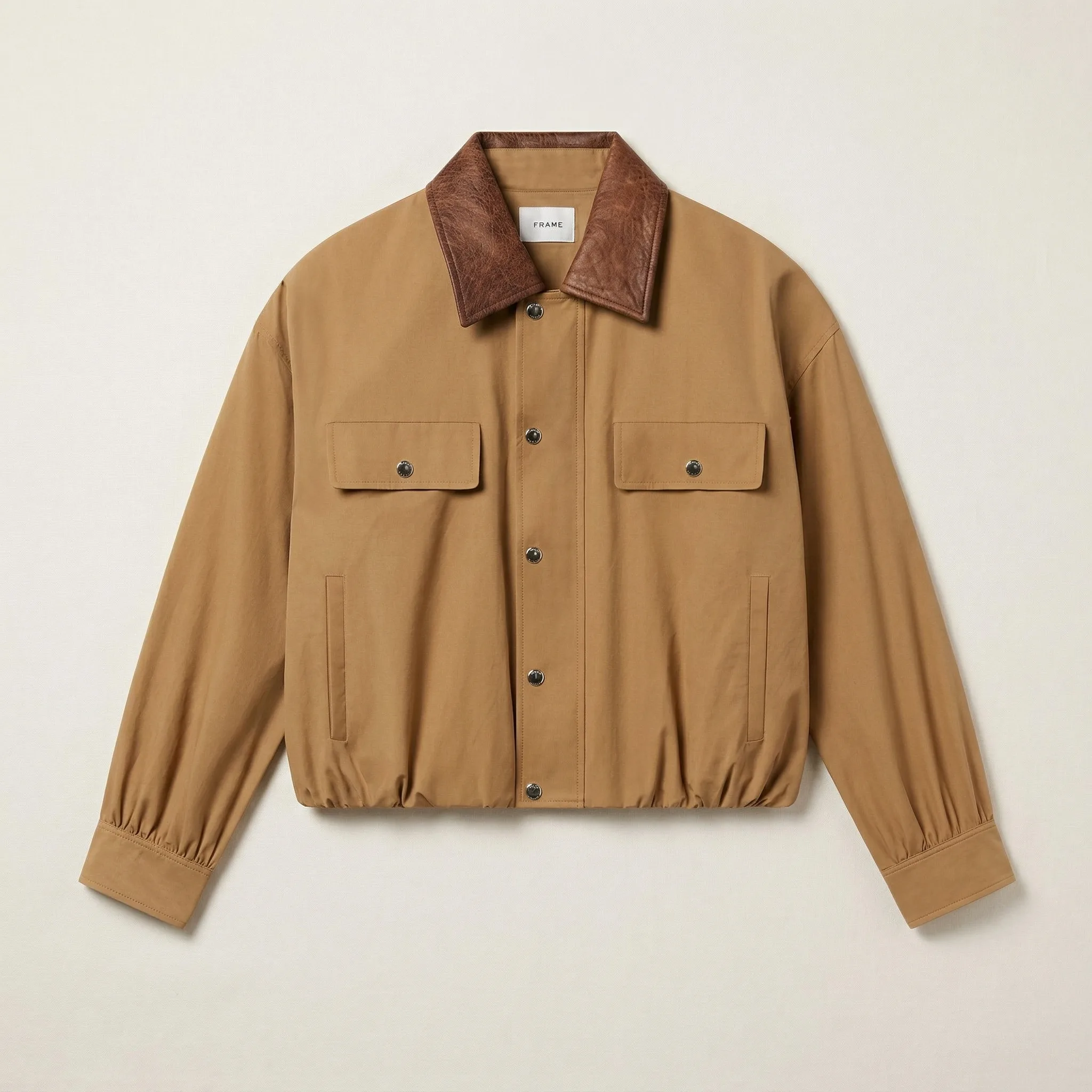
Product Photography Tips for Shopify Beginners (2026)
Shopify photography is brand photography — communicating your specific visual identity, not just showing products. These 10 tips are Shopify-specific.
Updated: April 2026
10 Shopify Photography Tips That Matter
- Decide your visual language before shooting — background family, lighting approach, and props decided first.
- Photograph all products in one session — consistency is easiest when products are photographed together.
- Match photography quality to price point — a $20 and $200 product need different investment.
- Lead with lifestyle, not white background — your hero image should establish brand world.
- Use your best image as the collection thumbnail — collection page thumbnails are brand ambassadors.
- Include scale reference — buyers can't hold the product.
- Check your store on mobile before publishing — over 70% of Shopify traffic is mobile.
- Build a props library — 10 complementary props reused consistently build visual recognition.
- Document your setup — recreate it exactly for future products.
- Edit consistently — same brightness, color temperature, and contrast across all images.
The Brand-First Approach
Unlike Amazon (where compliance is the primary standard) or Etsy (where warmth is the signal), Shopify photography communicates your specific brand identity. Decide what that identity is before photographing your first product — and every subsequent photography decision becomes easier.
GreenOnion.ai Shopify product image generator - generate professional images from one photo, no photoshoot needed.
GreenOnion tip: Tools like GreenOnion can transform a single product photo into polished lifestyle scenes that match your store's aesthetic — no studio required.
FAQ
What's the single most important photography tip for Shopify? Define your brand's visual language before taking a single photo. Background, lighting, and styling decided upfront produce more consistent results.
How do I know if my Shopify photos are good enough? Open your store on your phone and compare it to a brand you admire in your category.
Should I hire a photographer for my first Shopify products? Only if your price point requires editorial-quality imagery. For most beginners, DIY with consistent setup is sufficient to launch.
Give your Shopify store a professional look
GreenOnion generates on-brand lifestyle and studio shots from a single product photo — ready for your product pages, collections, and ads.
Generate Shopify images freeRelated Articles
Product Photography for Beginners: Mastering the Basics (2026)
Beginner's guide to product photography — essential equipment, setup, lighting basics, and how to take your first professional product photos.
ShopifyHow to Take Product Photos for Shopify Storefronts (2026)
Shopify gives you creative freedom that Amazon doesn't. This guide covers the platform-first strategy that determines every photography decision for Shopify stores.
Product PhotographyProduct Photography at Home: The Complete DIY Guide (2026)
The same product photographed for Amazon, Etsy, and Shopify requires three completely different setups. This guide teaches platform-first product photography strategy.