How to Build a High-Converting Shopify Product Page (2026)
A Shopify product page controls the entire buyer experience. Photography establishes trust, communicates value, and answers purchase questions before copy has a chance to work.
Updated: April 2026
The Photography Foundation
Photography is the first conversion gate — buyers who aren't convinced by images won't read copy. Your product page photography needs to: establish brand trust, show the product clearly and accurately, communicate value at the price point, and answer the key purchase questions (how big is it? how does it look worn or in use? what's the quality like?).
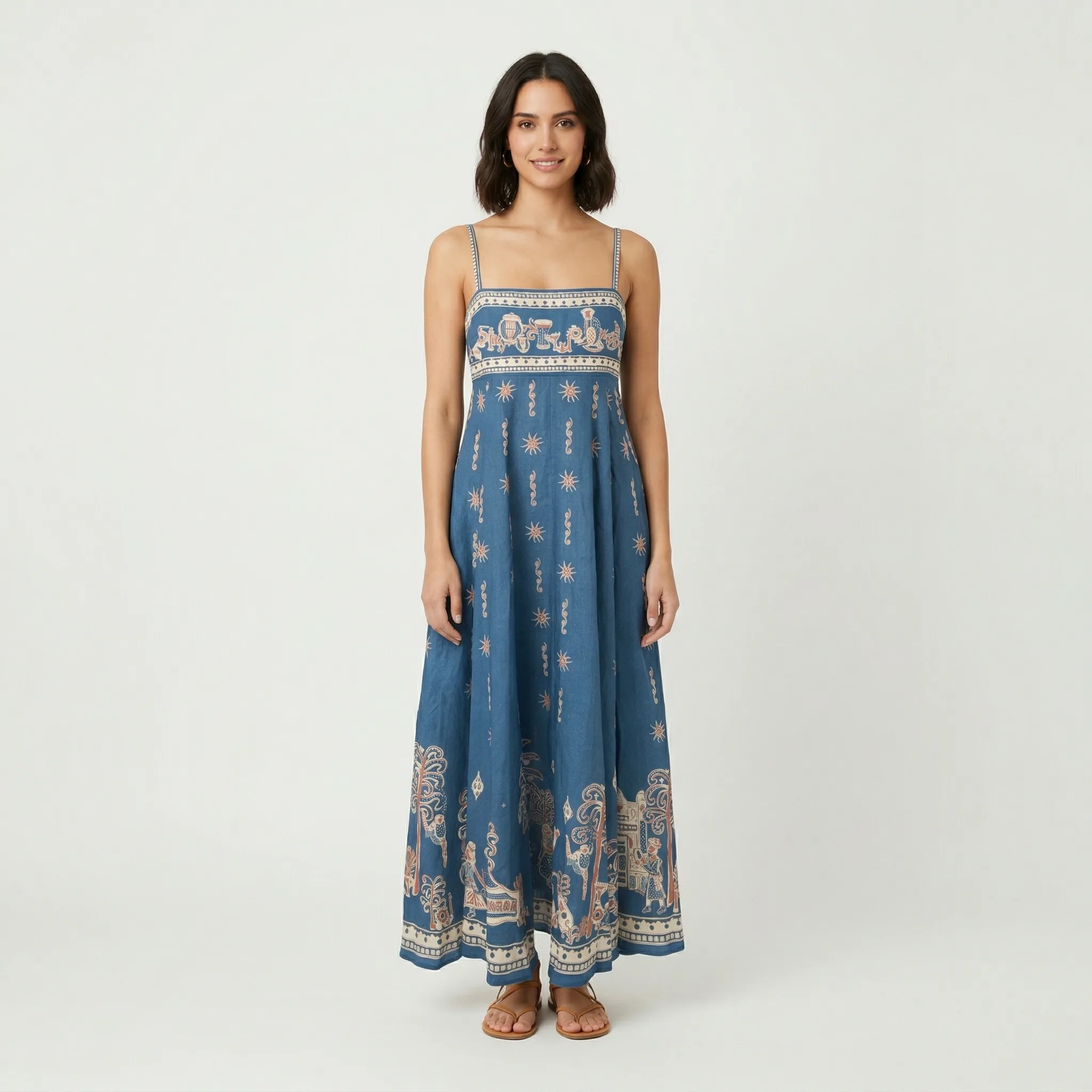
Hero image: Lifestyle or brand-world image. Not a white background product shot — that's Amazon. Your first image establishes brand identity.
Product clarity images (2–3): Clear shots showing exactly what the buyer is purchasing. Multiple angles, accurate color representation.
Feature demonstration: The product in use, specific features shown in context, detail close-ups proving quality.
Scale reference: One image showing actual scale reduces returns significantly.
Beyond Photography: Supporting Conversion Elements
Photography sets the foundation. Supporting elements: clear headline communicating the primary benefit (not just the product name), social proof prominently placed, size/variant selector with visual confirmation, trust signals (returns policy, guarantee) near the add-to-cart button.
Mobile optimization matters — over 70% of Shopify traffic is mobile. Images that look great on desktop may crop badly on phone. Always check your store on a real phone before publishing.
GreenOnion.ai Shopify product image generator - generate professional images from one photo, no photoshoot needed.
GreenOnion tip: Tools like GreenOnion can transform a single product photo into polished lifestyle scenes that match your store's aesthetic — no studio required.
FAQ
How many product images should a Shopify product page have? 7–10 images is ideal for most products. More images reduce buyer uncertainty.
Should my Shopify hero image be on white background? Generally no. Shopify buyers are on your brand's store — they expect brand context, not marketplace-style compliance photography.
What's the single highest-impact change for Shopify conversion? Improving the hero image — it's the first thing buyers see and the primary driver of whether they continue reading.
Give your Shopify store a professional look
GreenOnion generates on-brand lifestyle and studio shots from a single product photo — ready for your product pages, collections, and ads.
Generate Shopify images freeRelated Articles
Shopify Image Size Guide: Optimized for Mobile Speed (2026)
Shopify image size guide for 2026 — recommended dimensions, file formats, compression, and how to optimize product images for mobile speed and conversion.
ShopifyHow to Take Product Photos for Shopify Storefronts (2026)
Shopify gives you creative freedom that Amazon doesn't. This guide covers the platform-first strategy that determines every photography decision for Shopify stores.